Adaptive Battery
The Problem
Section titled “The Problem”Your phone’s adaptive battery feature can delay notifications. It limits background activity for apps you use infrequently in order to save battery.
This feature, found especially on Google Pixel phones, is often cited as the main cause of delayed notifications.
The Solution
Section titled “The Solution”To fix this problem:
-
Go to Settings, then to the Battery section
Section titled “Go to Settings, then to the Battery section”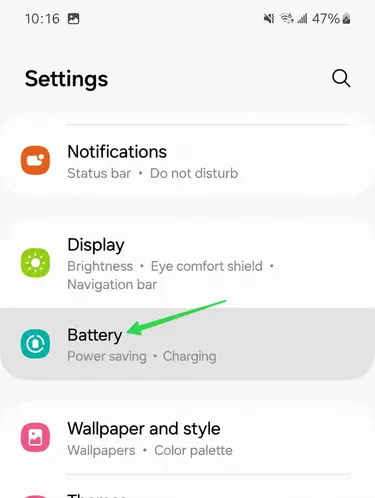
-
Then go to Battery protection
Section titled “Then go to Battery protection”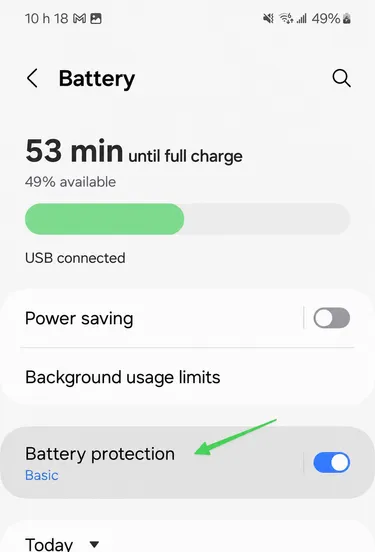
-
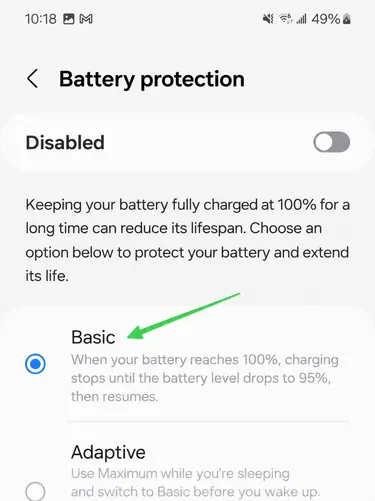
Select the Basic option or turn the option off completely
Section titled “Select the Basic option or turn the option off completely”