Individual Battery and Data Restrictions
The Problem
Section titled “The Problem”Some apps may have individual battery and data restrictions that prevent notifications from arriving in real time.
The Solution
Section titled “The Solution”-
Press and hold the Braver icon, then tap the information icon ⓘ
Section titled “Press and hold the Braver icon, then tap the information icon ⓘ”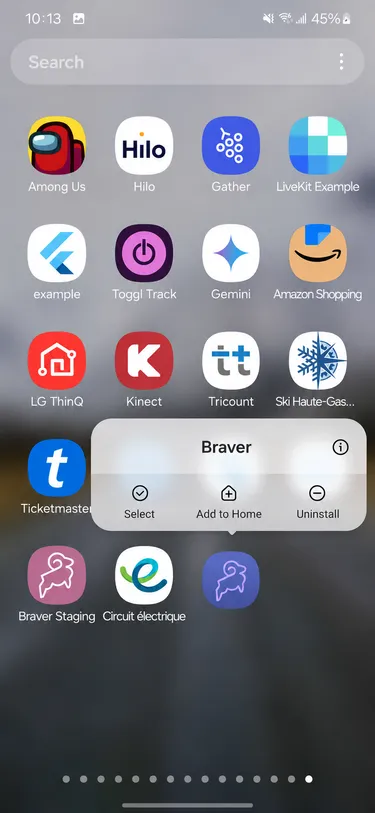
-
In the app settings, go to Mobile data
Section titled “In the app settings, go to Mobile data”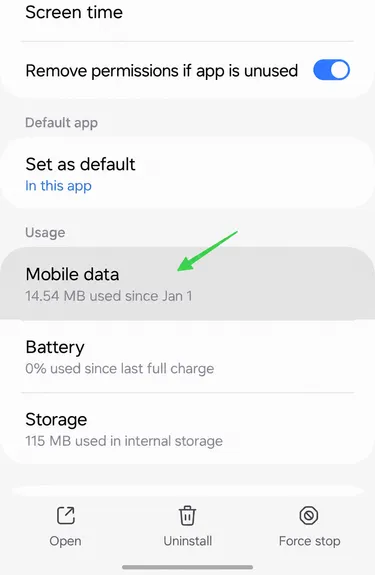
-
Turn on Allow background data usage
Section titled “Turn on Allow background data usage”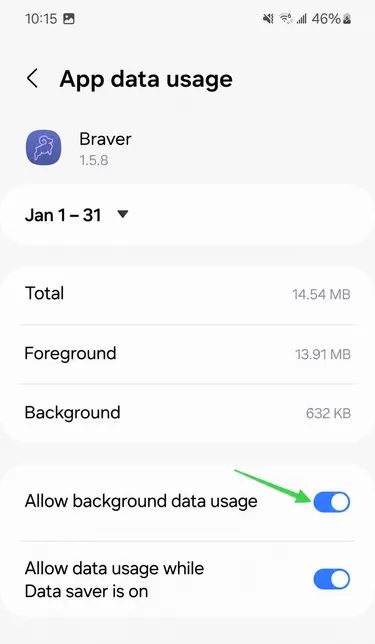
-
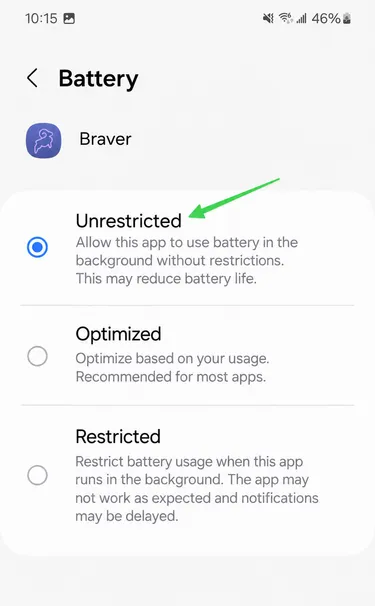
Go back and open the Battery section
Section titled “Go back and open the Battery section”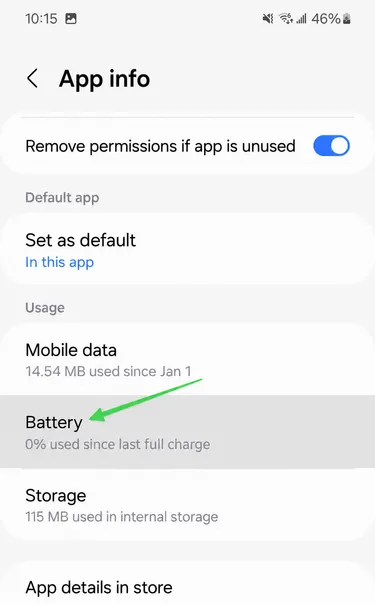
-
Select the “Unrestricted” option
Section titled “Select the “Unrestricted” option”