Global Power and Data Saving Mode
The Problem
Section titled “The Problem”Your notifications arrive late because power and data saving settings limit app activity in the background.
The Solution
Section titled “The Solution”To get real-time notifications again, turn off these three settings:
- Power saving mode
- Go to Settings > Battery > Power saving
- Turn the option off
- Battery optimization (Samsung)
- Go to Settings > Device care > Battery > Background usage limits
- Turn optimization off
- Data saver
- Go to Settings > Connections > Data usage
- Turn data saver off
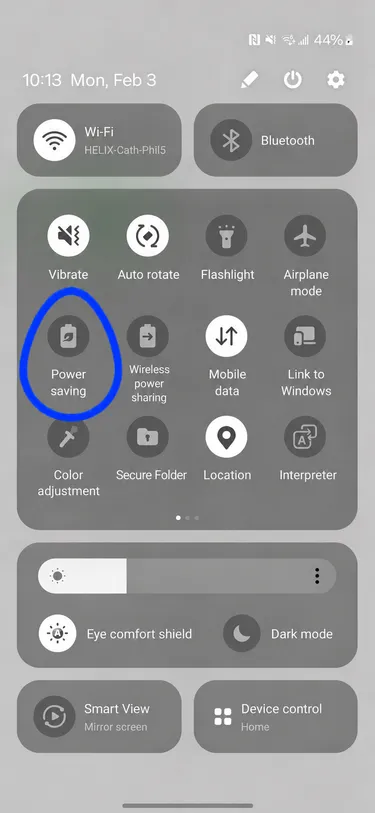
Quick Settings Panel
Section titled “Quick Settings Panel”You can quickly reach some of these settings from the quick settings panel by swiping down from the top of your screen: