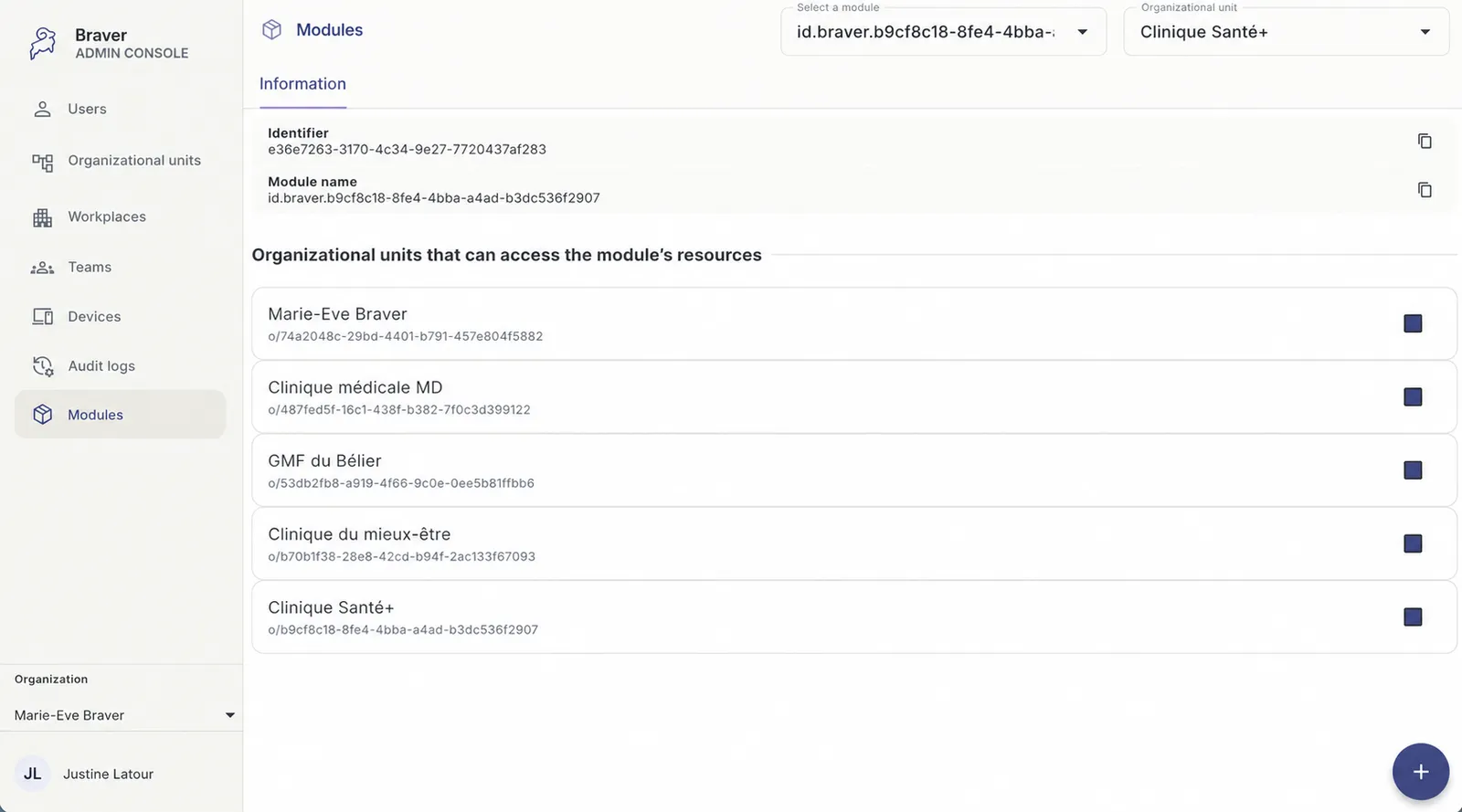
Create a Module
To configure different elements (directories, resource identifiers, trajectories and segments) and share them with your organizational units, you must start by creating a module.
-
Make sure you are in the right organization and organizational unit, if this applies to you.
Section titled “Make sure you are in the right organization and organizational unit, if this applies to you.”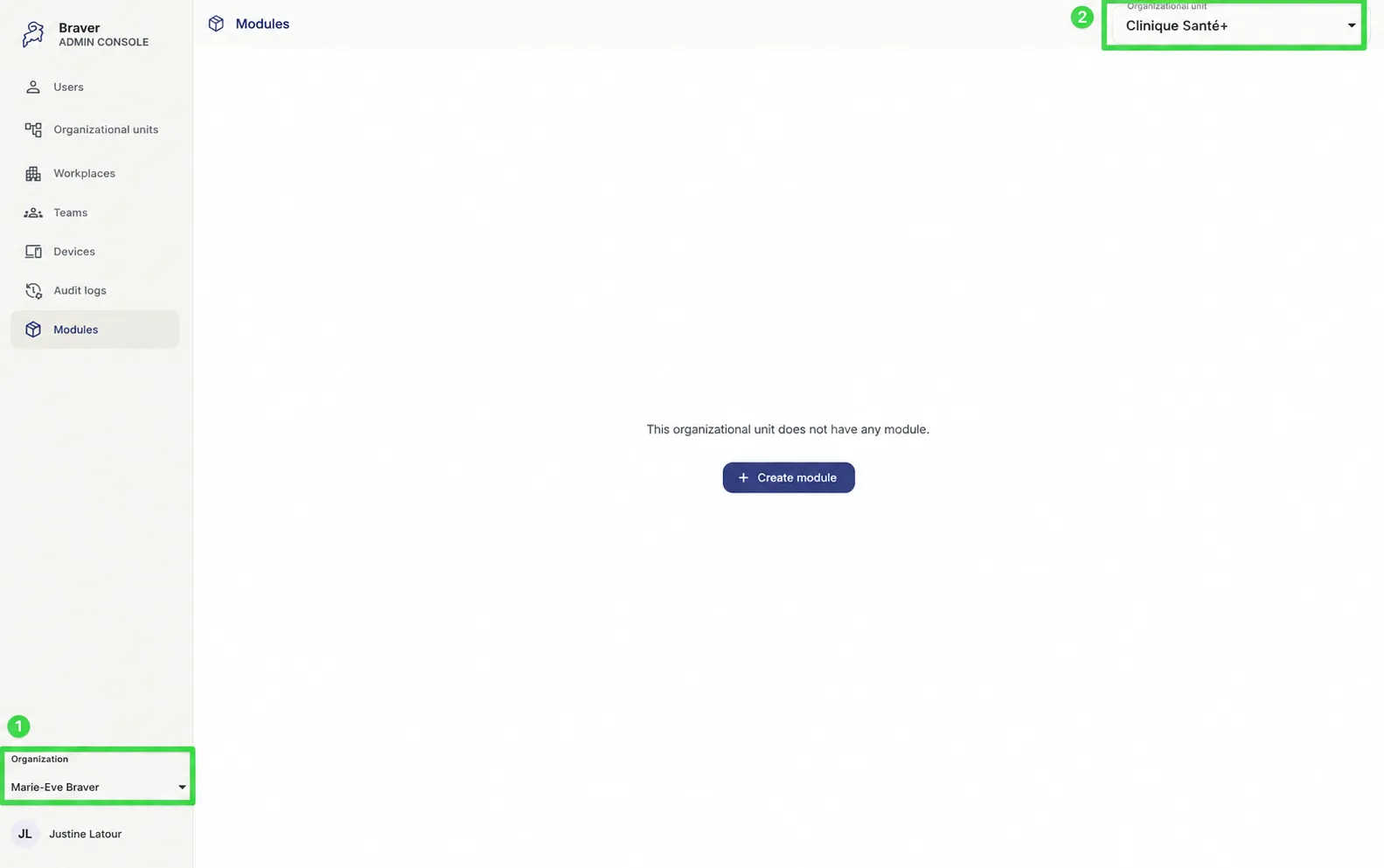
-
Go to the Modules page.
Section titled “Go to the Modules page.”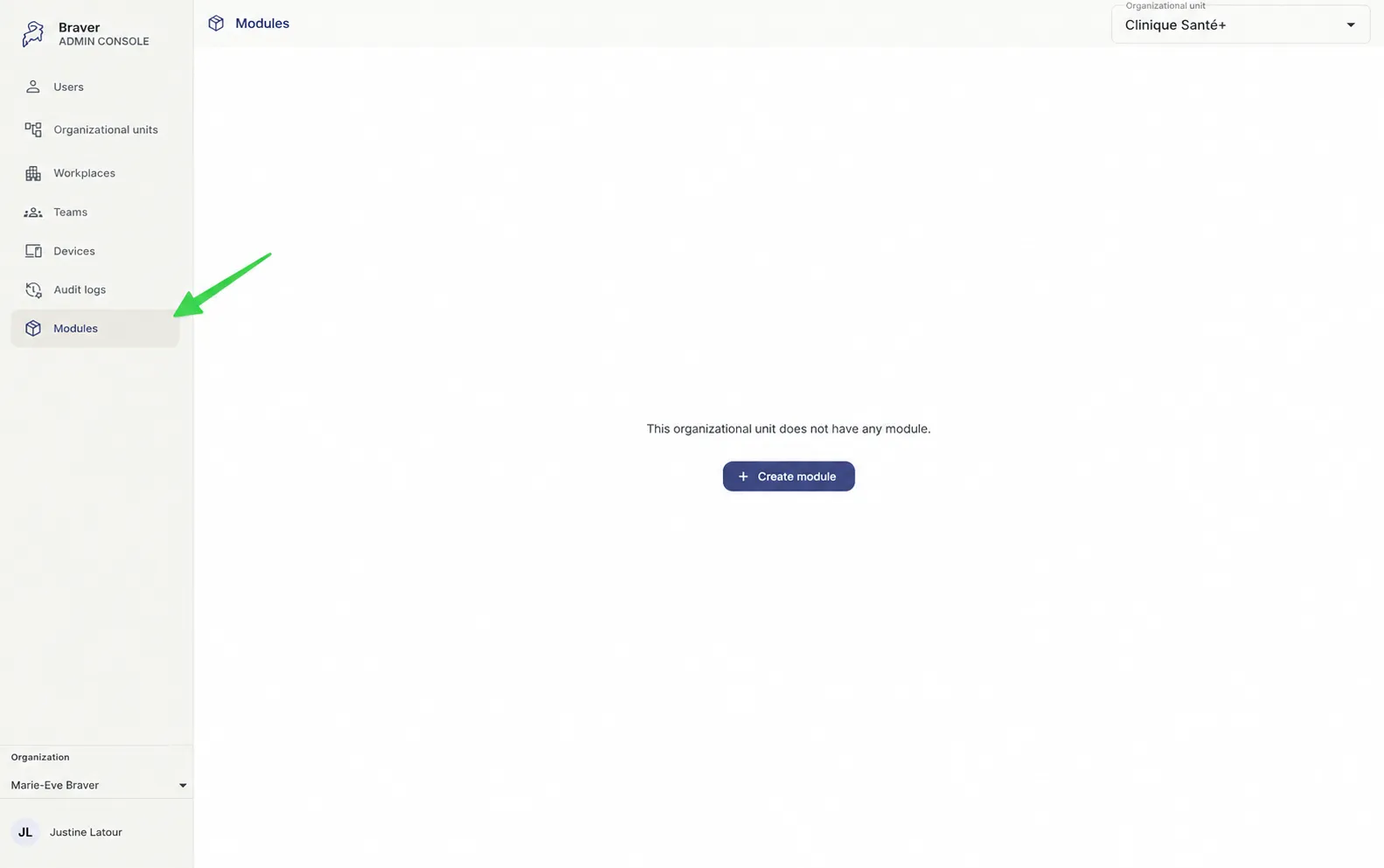
-
Click Create module.
Section titled “Click Create module.”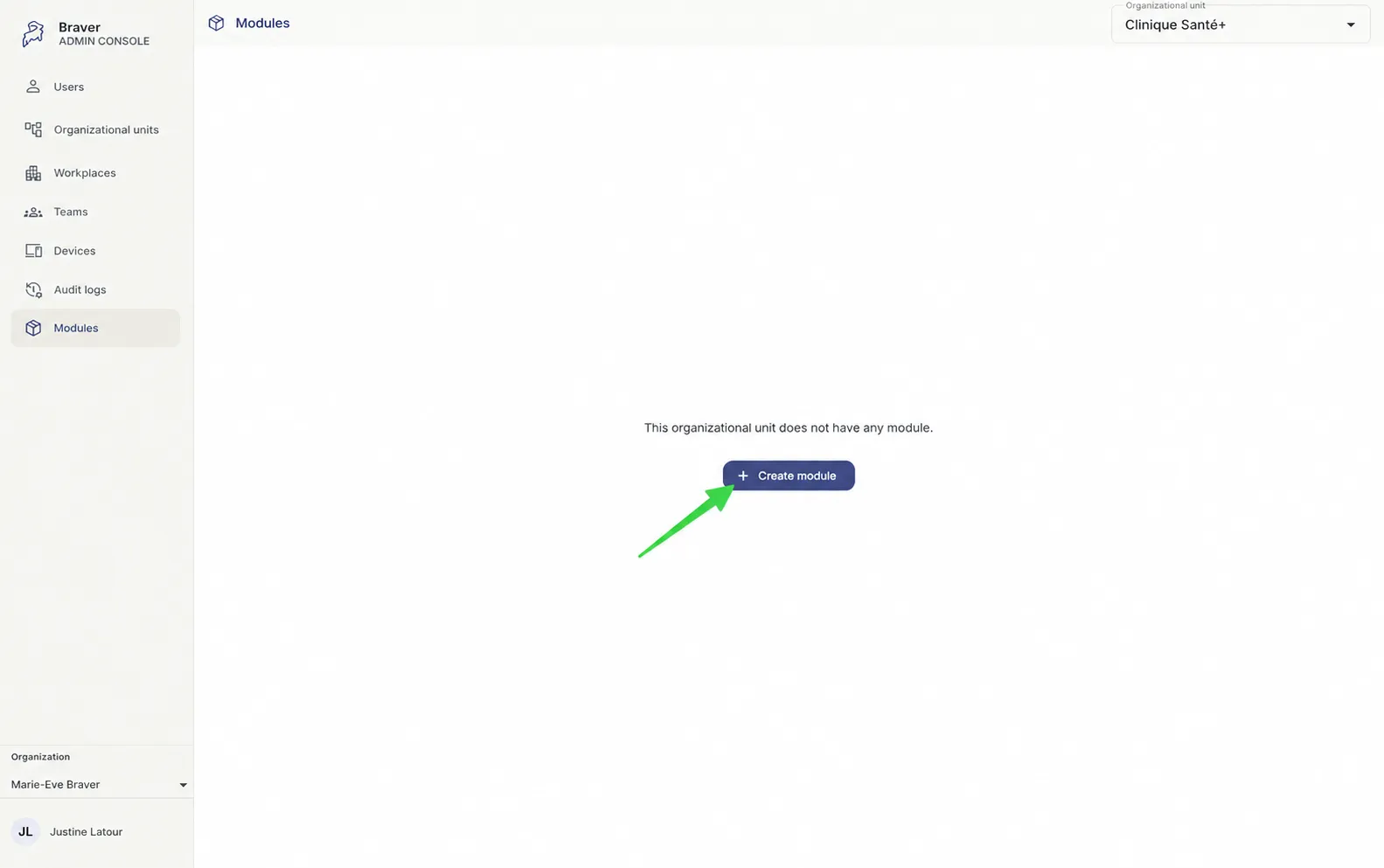
-
Click Create module.
Section titled “Click Create module.”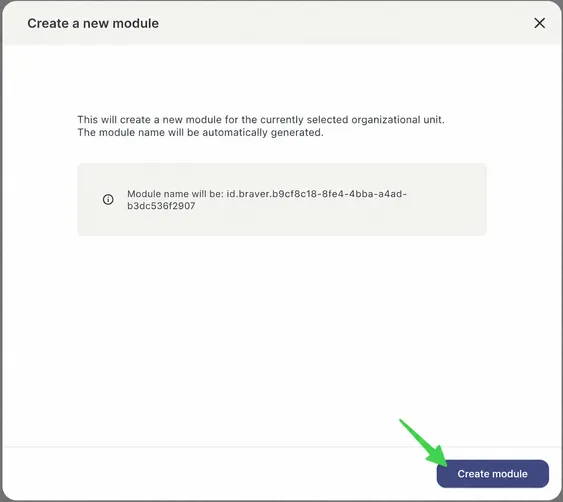
-
The module is created!
Section titled “The module is created!”