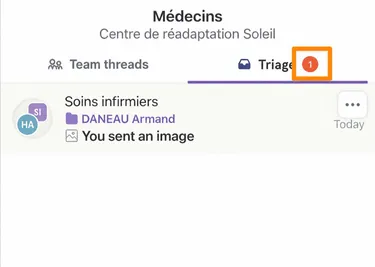
Return a Discussion to Triage Box
Step-by-Step
Section titled “Step-by-Step”-
Select the discussion thread you want to return to your team’s triage box.
Section titled “Select the discussion thread you want to return to your team’s triage box.”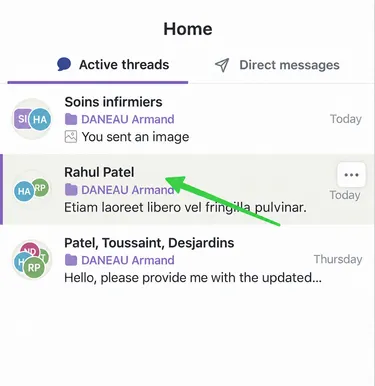
-
Access the thread participants at the top right.
Section titled “Access the thread participants at the top right.”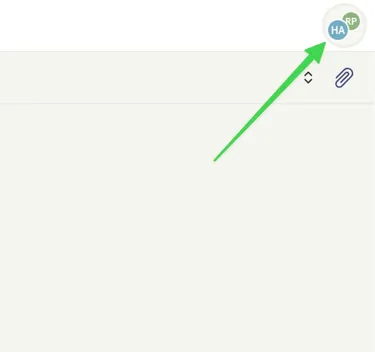
-
Click on the 3 small dots next to your name.
Section titled “Click on the 3 small dots next to your name.”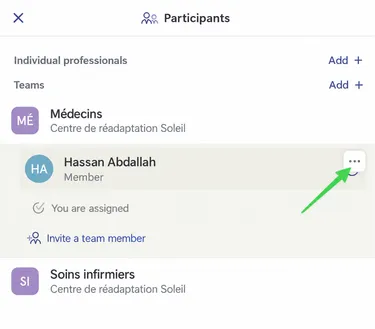
-
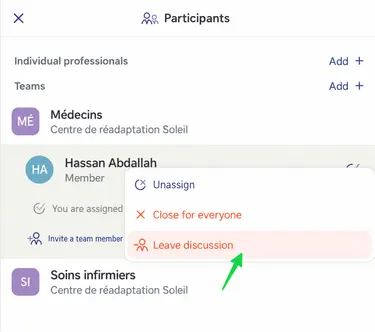
Click on Leave Discussion.
Section titled “Click on Leave Discussion.”At this point, no one from the doctor’s team is participating in the discussion. This is why the message returns to the doctors’ triage box.
-
Another colleague from your team can follow up on this discussion thread.
Section titled “Another colleague from your team can follow up on this discussion thread.”