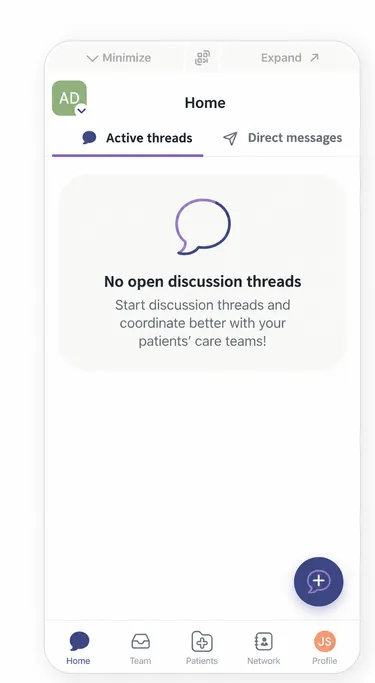
Activate Your Account via the Bubble Integrated in Gustav
Step-by-Step
Section titled “Step-by-Step”-
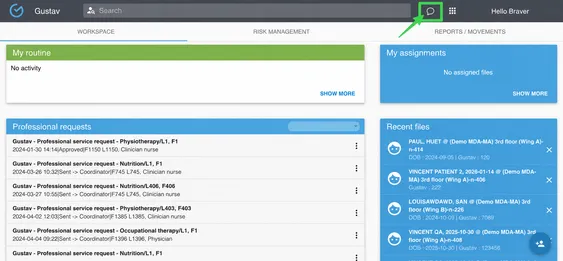
In Gustav, click the chat bubble.
-
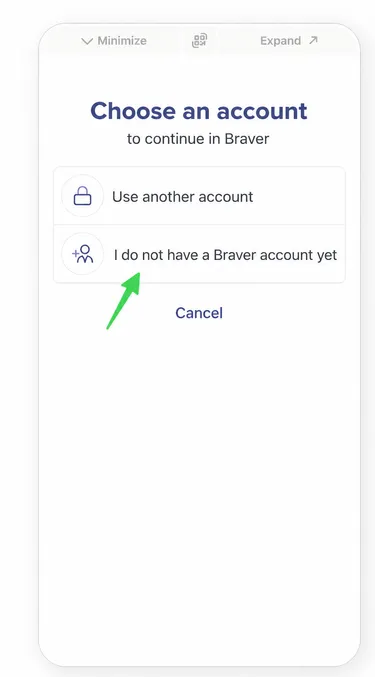
Select I don’t have a Braver account yet.
-
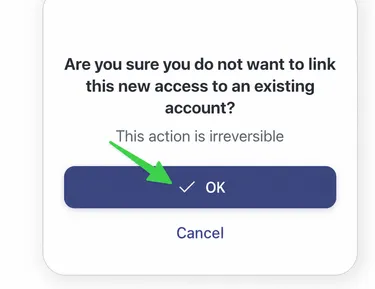
You’ll be asked to confirm that you really want to continue without linking an existing Braver account, because this action can’t be undone. Click OK.
-
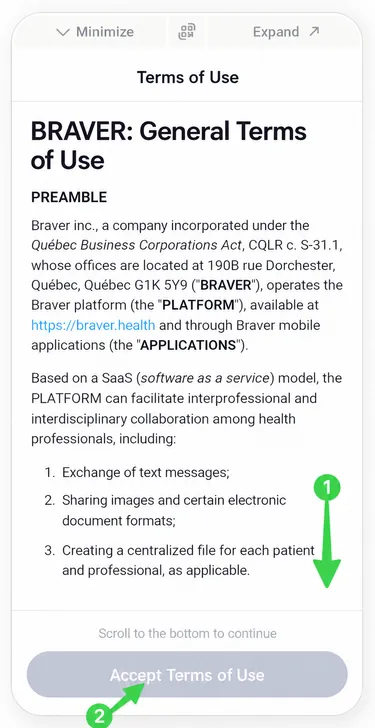
1) Scroll to the bottom, then 2) click Accept terms of service if you want to continue.
-
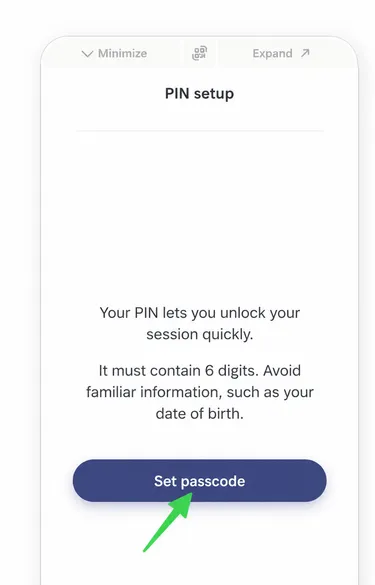
You’ll then need to set up a passcode (PIN). Click Set passcode.
-
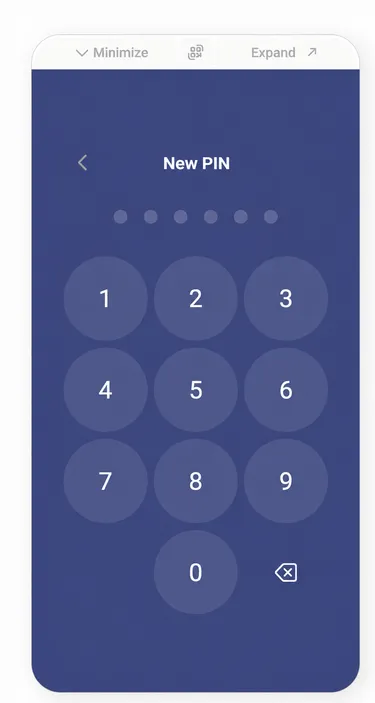
Enter your PIN and repeat it. Both must be identical.
-
You’re all set! Your Braver account is now activated!