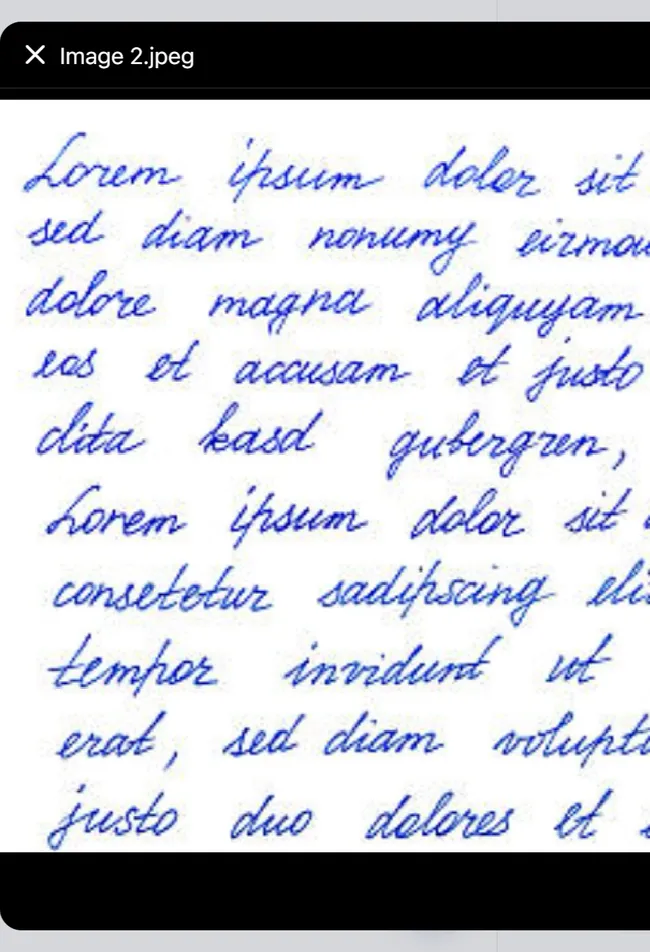
View Attachments in Discussion Thread
Step-by-Step
Section titled “Step-by-Step”-
Select the discussion thread you are interested in.
Section titled “Select the discussion thread you are interested in.”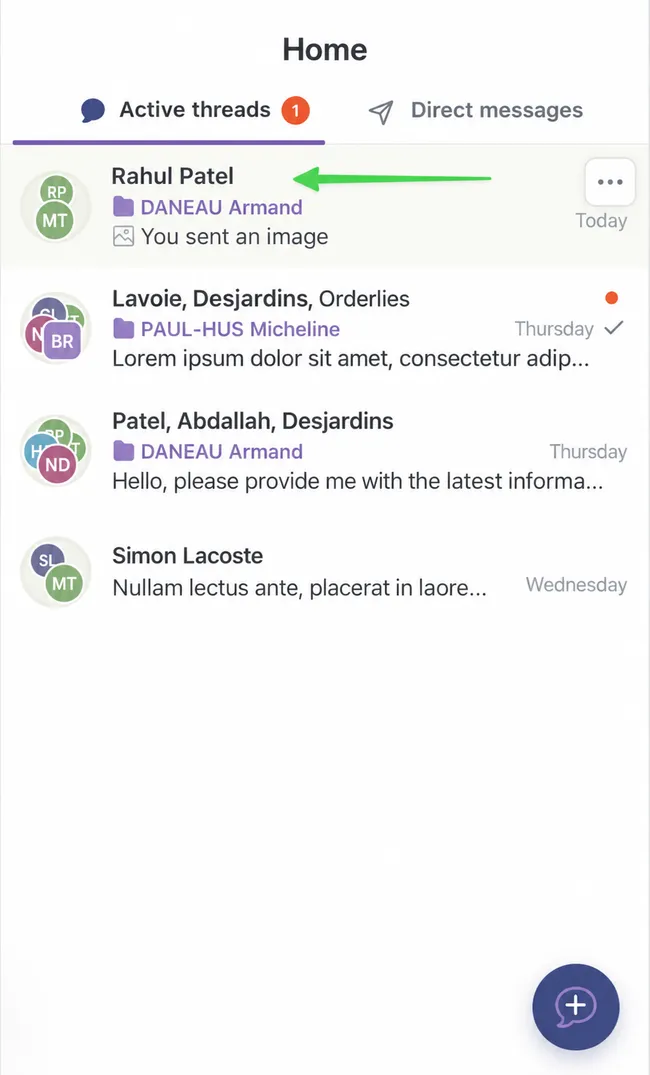
-
Click on the paperclip icon at the top right.
Section titled “Click on the paperclip icon at the top right.”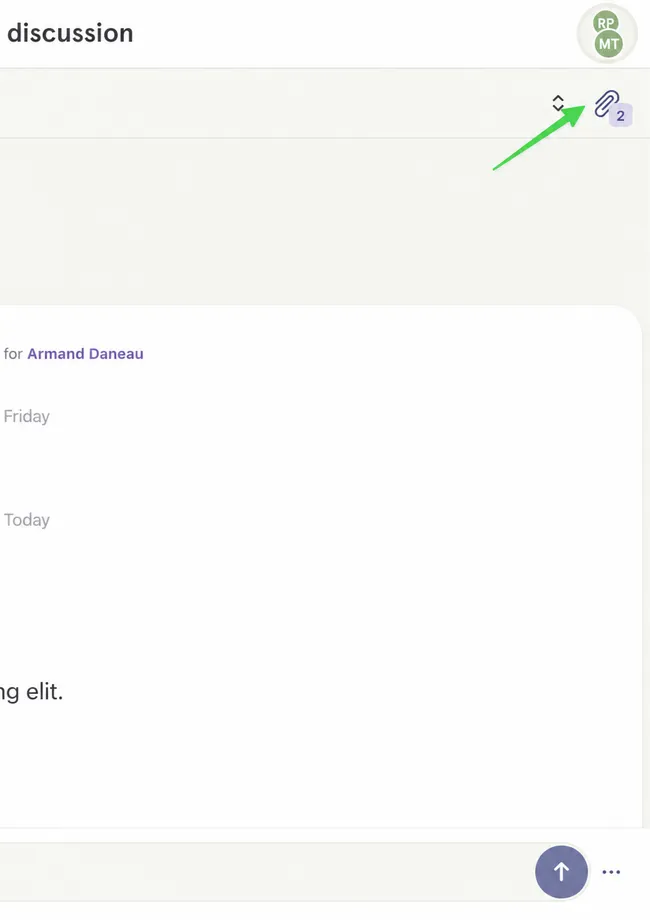
-
To view an attachment, select it.
Section titled “To view an attachment, select it.”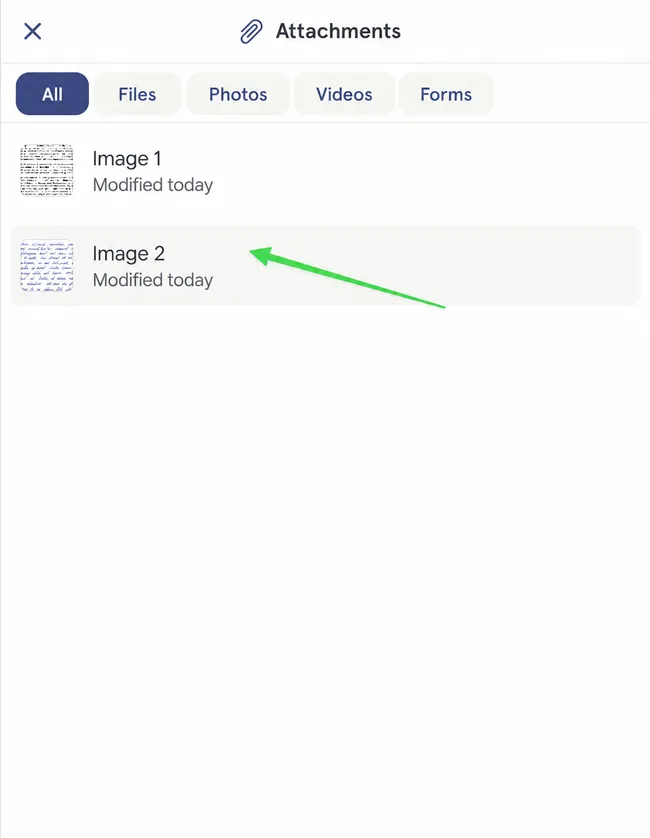
-
It will open in the center of the screen.
Section titled “It will open in the center of the screen.”