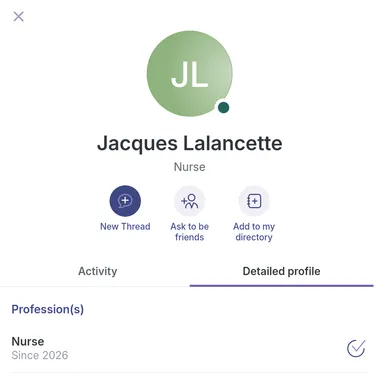
View User Profiles on the Network
Step-by-Step
Section titled “Step-by-Step”-
Go to the Network page.
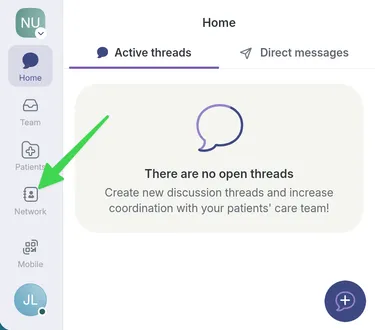
-
Select the person whose profile you want to view.
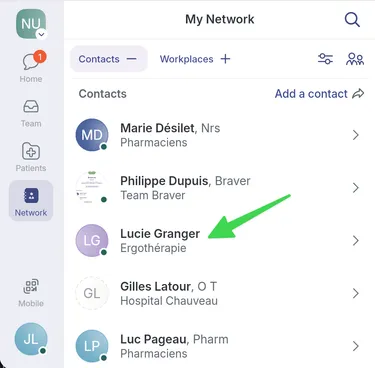
-
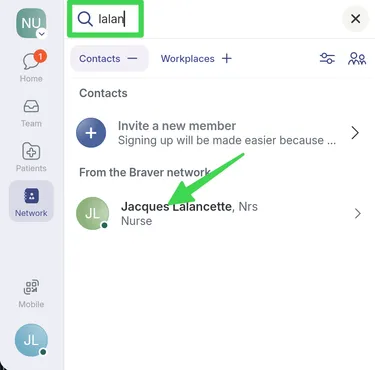
If the person does not appear in your contacts, use the search icon and type their name to find them.
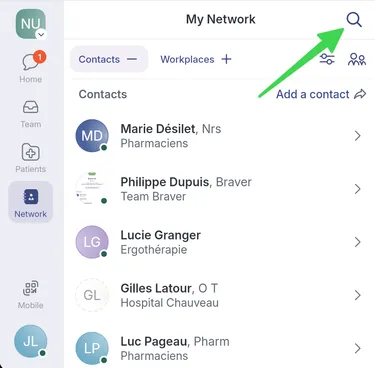
-
Once you find the person, click their name to open their profile.
-
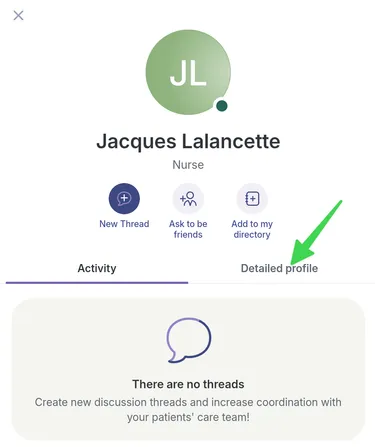
In their profile, select Detailed profile.
-
Depending on what the person has set up, you will be able to view their bio, their profession (if they are on Braver’s external network), and their workplace.