Send a Friend Request
Step by Step
Section titled “Step by Step”-
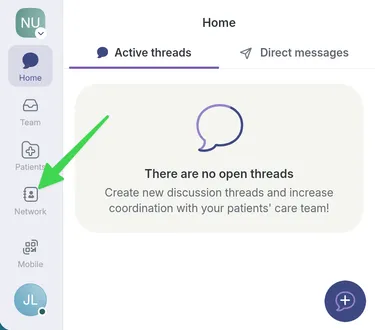
Go to the Network page.
-
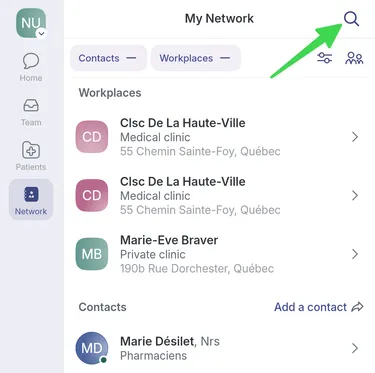
Search for the person you want to add as a “friend”.
-
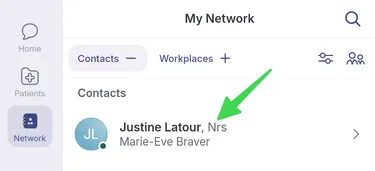
Access their profile by selecting their name.
-
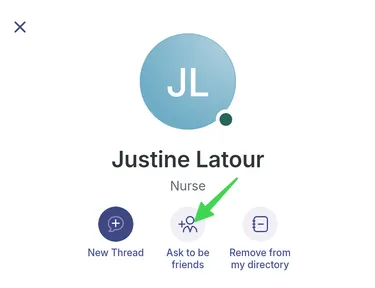
Select Ask to be friends.
-
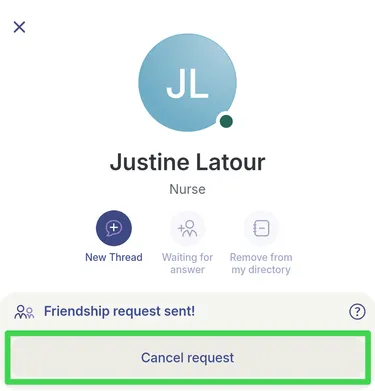
At this point, your request will be pending response. You can cancel your request if you wish.
-
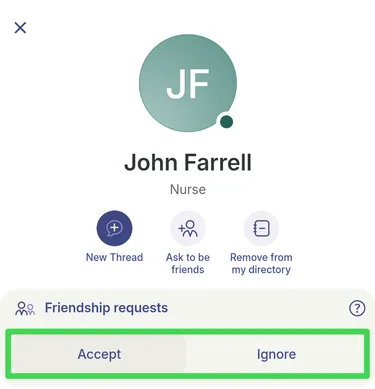
Your new “friend” can accept or ignore your invitation.
-
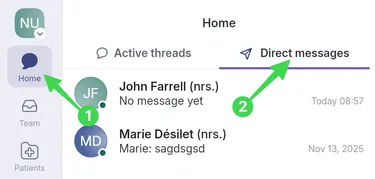
If the person accepts your invitation, their name will appear in Home > Direct Messages tab and you will be able to exchange freely with them.