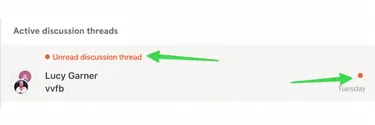
Mark a Discussion as Unread
Step-by-Step
Section titled “Step-by-Step”-
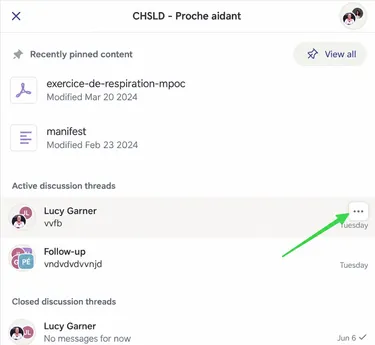
Choose the discussion thread you want to mark as unread.
Section titled “Choose the discussion thread you want to mark as unread.”- On computer: Click on three small dots
- On mobile and tablet: Long press on discussion thread
-
Then click on Mark as Unread
Section titled “Then click on Mark as Unread”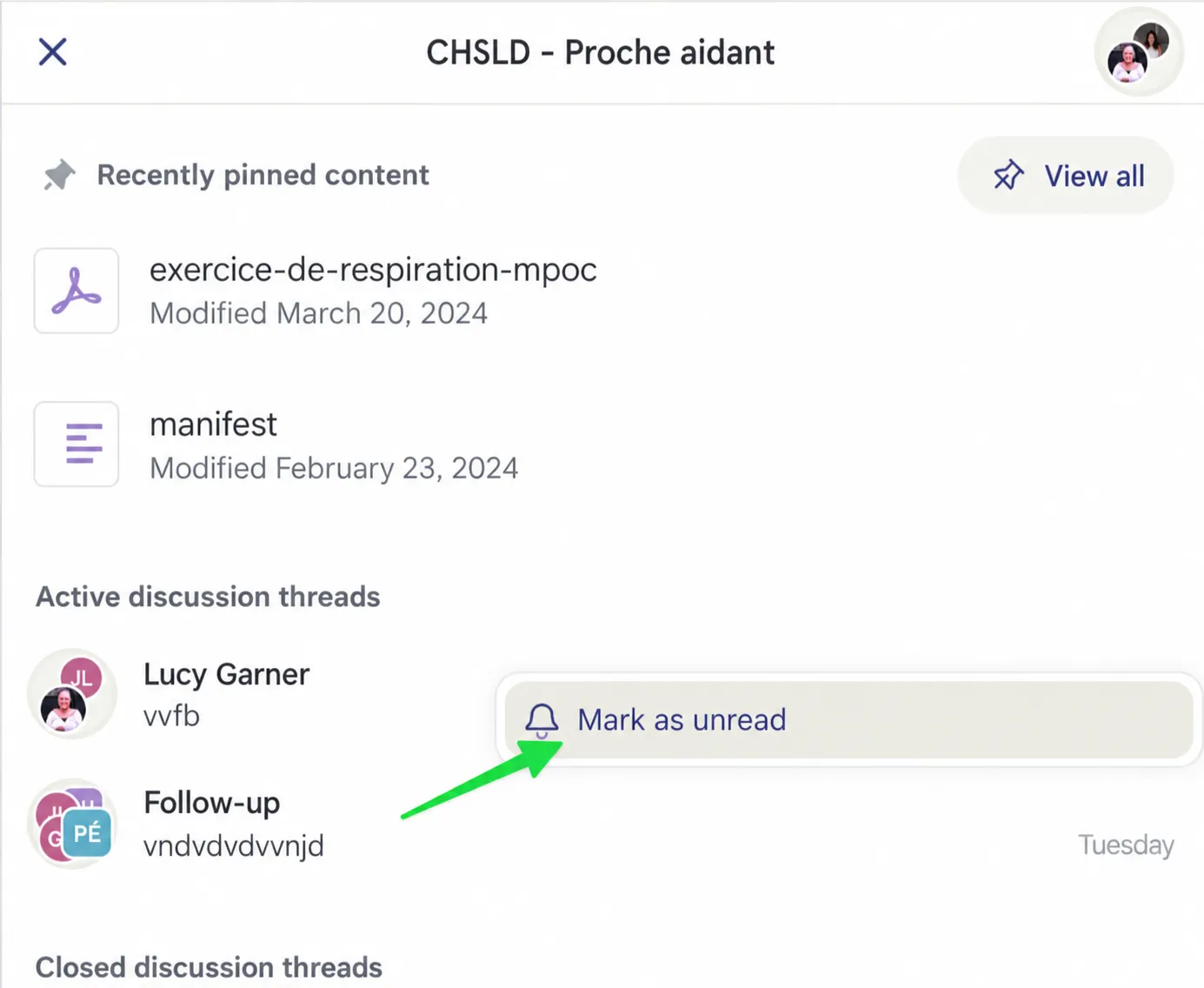
-
The message now appears as if you have not opened it!
Section titled “The message now appears as if you have not opened it!”