Independent Account Creation
Step by Step
Section titled “Step by Step”-
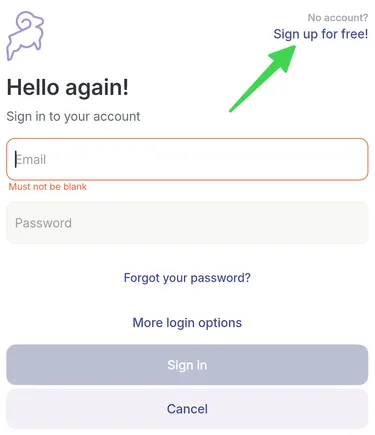
When opening the application, click: Sign up for free!
-
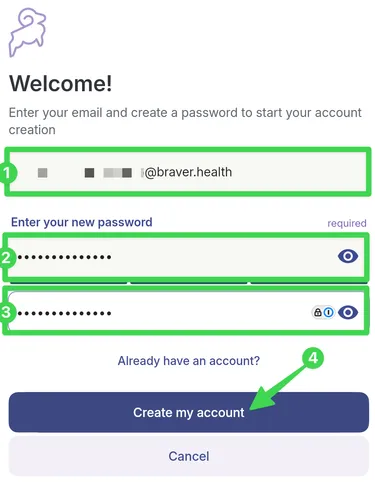
1) Enter your email address and 2) the password of your choice. 3)Repeat your new password a second time. 4) Then select Create my account.
-
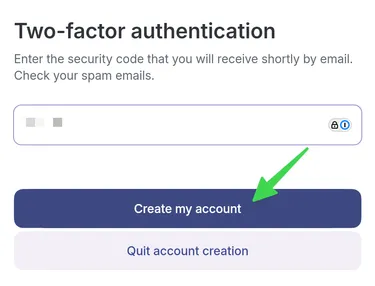
Retrieve the 6-digit security code from your emails and enter it in the provided text field. Click on Create my account.
-
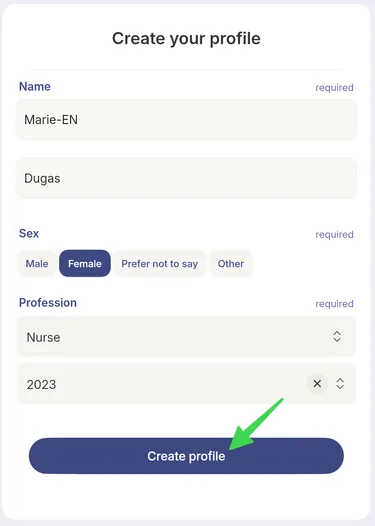
Create your profile. Click Create a profile to save your information.
-
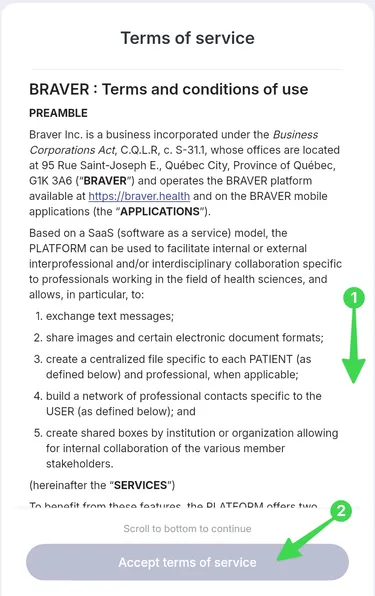
Scroll to the bottom of the page and select Accept terms of service.
-
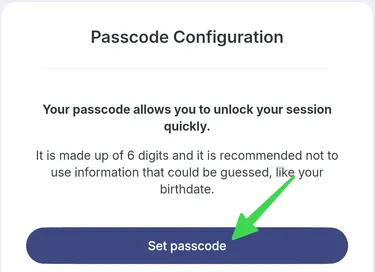
Set up a PIN that you can use to unlock the app easily if you do not use Face ID or facial recognition. Click Set up.
-
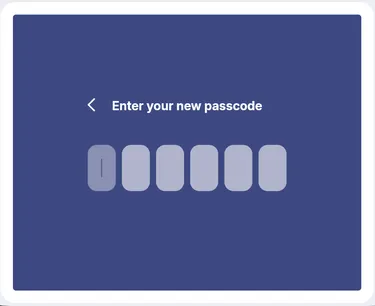
Enter your PIN and repeat it a second time.
-
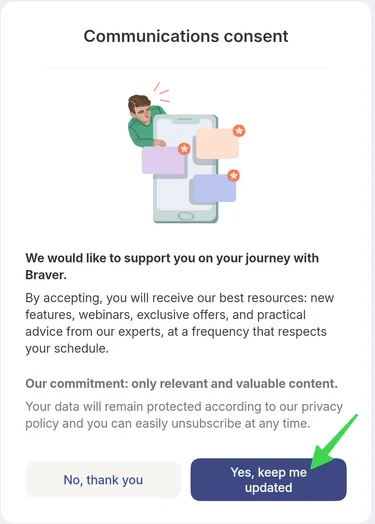
Choose if you consent to receive communications from Braver.
-
You are now in Braver!