Lock or Close Your Session
Step-by-Step
Section titled “Step-by-Step”-
Select the badge with your photo or initials, then Switch Session.
Section titled “Select the badge with your photo or initials, then Switch Session.”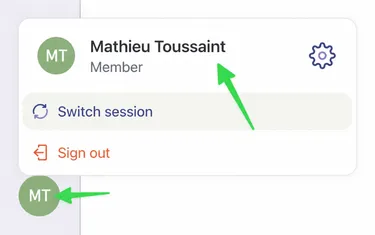
-
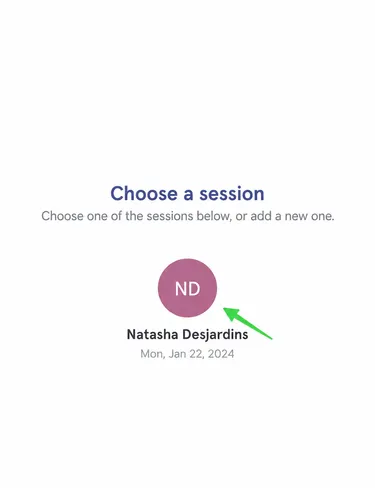
You will then be able to choose an active session or add a new one.
Section titled “You will then be able to choose an active session or add a new one.”You can quickly access your locked session using your PIN.
-
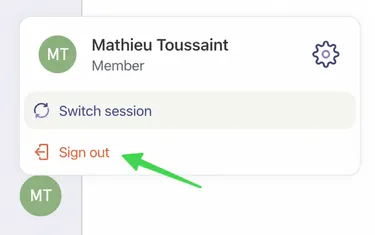
If you choose the Log Me Out option, your session will be completely disabled on your device.
Section titled “If you choose the Log Me Out option, your session will be completely disabled on your device.”After such a deactivation, the next time you want to log in on this device, you will need to provide your email, password, and confirm your identity with a security code received by email or SMS.