Archive a Patient File
Step-by-Step
Section titled “Step-by-Step”-
Go to the Patients page.

-
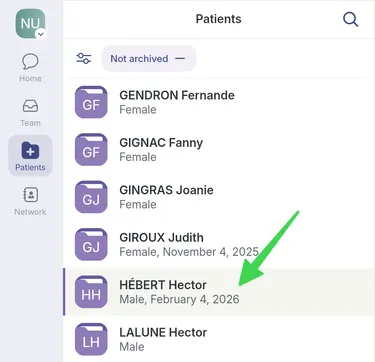
Select the patient record you want to archive.
-
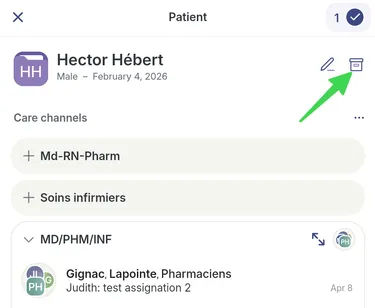
In the patient record, select the archive box icon at the top right.
-
Confirm your choice by clicking OK. Note that discussion threads about this patient remain active.

-
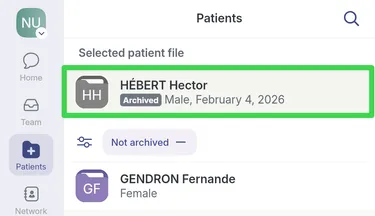
The patient record is now archived.