Exchange Direct Messages
Step-by-Step
Section titled “Step-by-Step”-
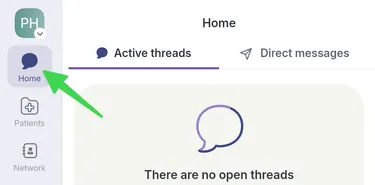
Go to the Home page.
-
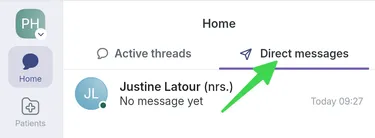
To start a direct message, select Direct messages.
-
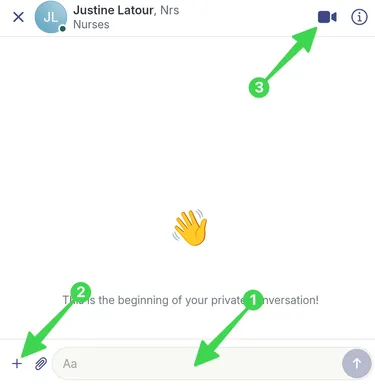
1) Write your message, 2) add any necessary content or 3) start a call.
-
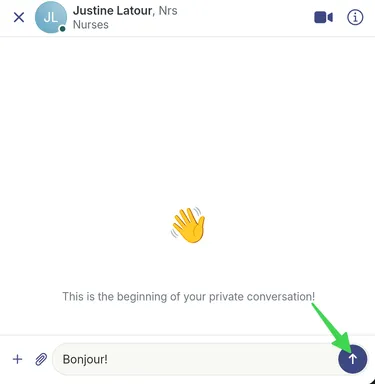
Send your message by selecting the purple arrow.