How to Invite Users?
This page shows you how to invite users, either with a video or a step-by-step guide.
Step-by-Step
Section titled “Step-by-Step”-
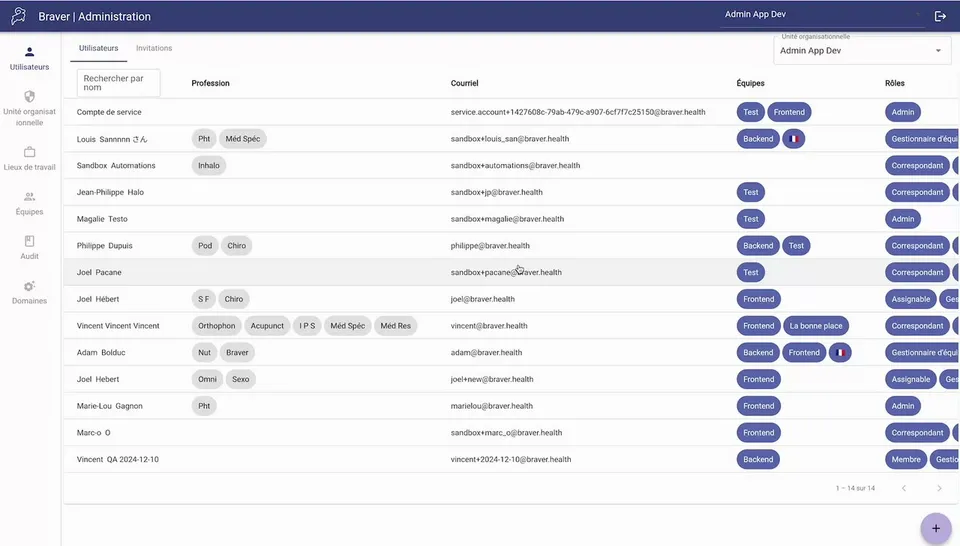
Click Users in the left menu
Section titled “Click Users in the left menu ”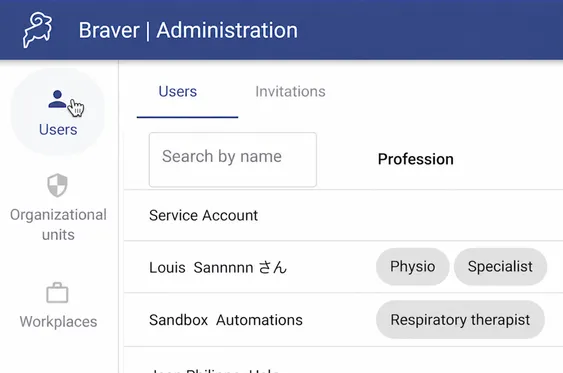
-
Click on the add button at the bottom right
Section titled “Click on the add button at the bottom right”
-
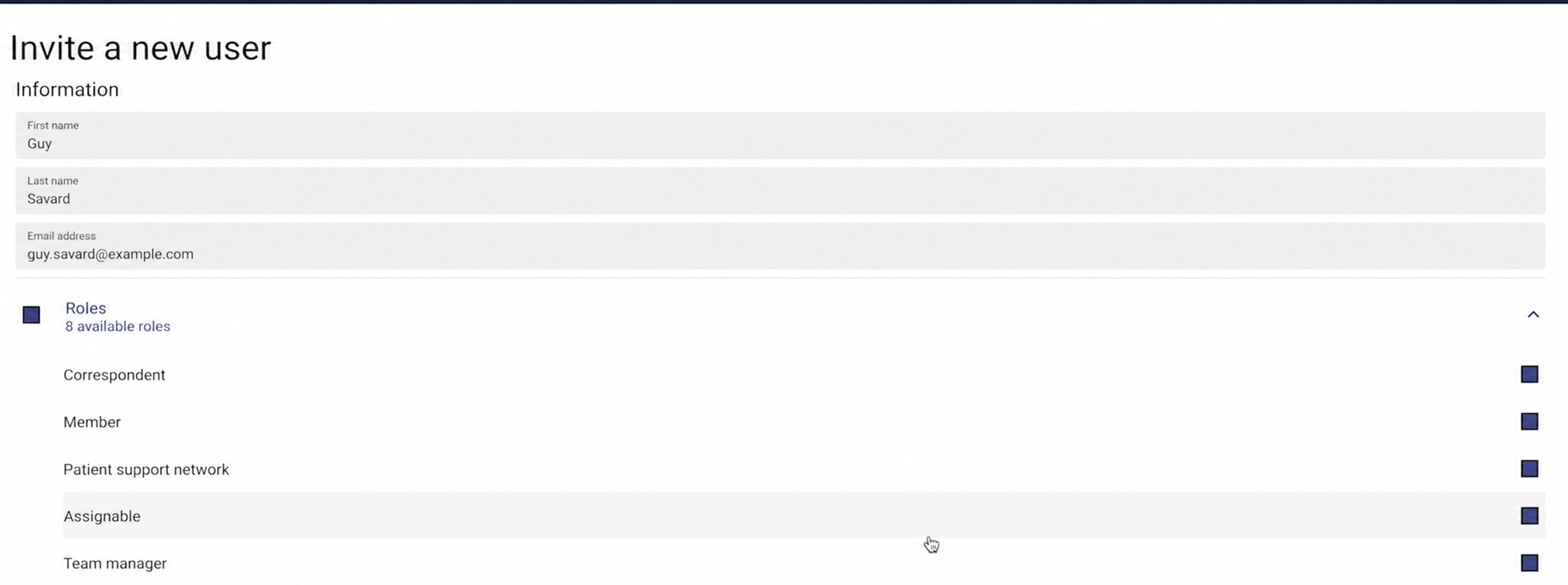
Enter the information
Section titled “Enter the information”- Enter the first and last name
- Enter the email address
- Select applicable roles and permissions
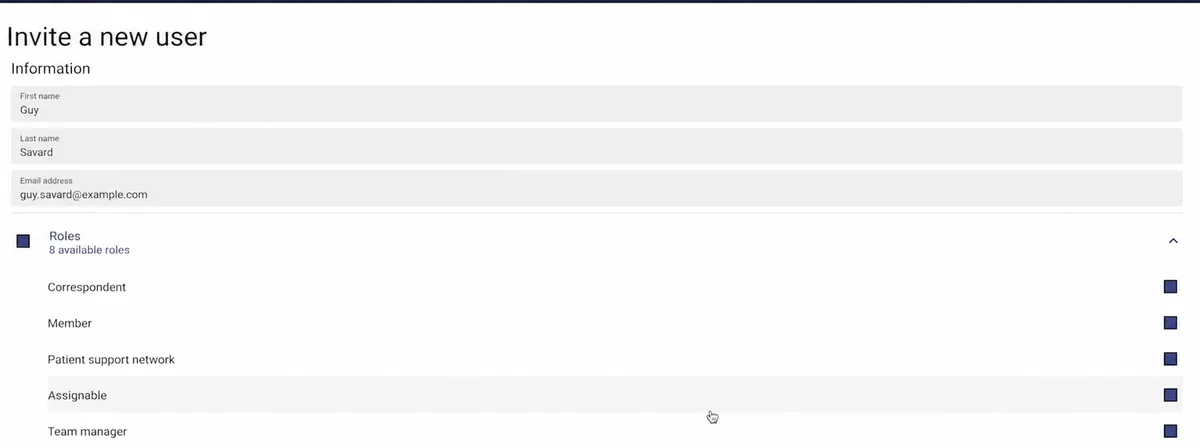
-
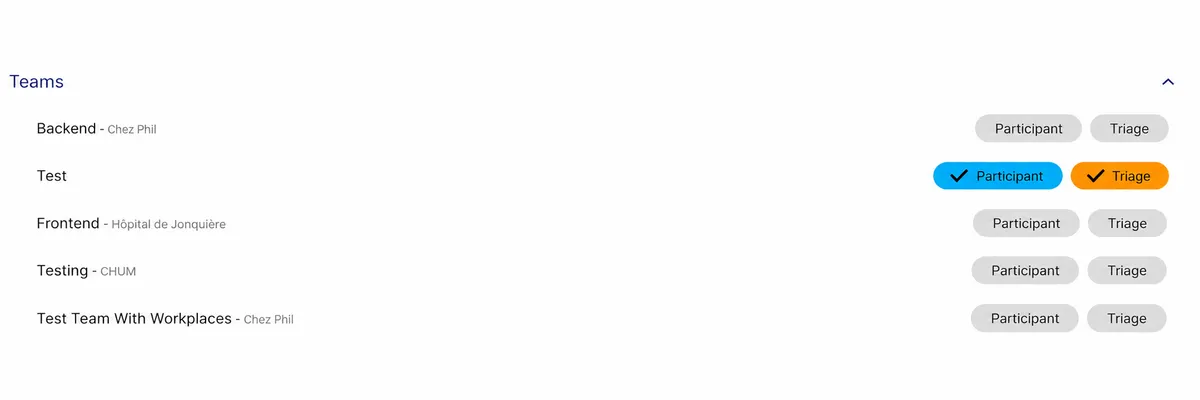
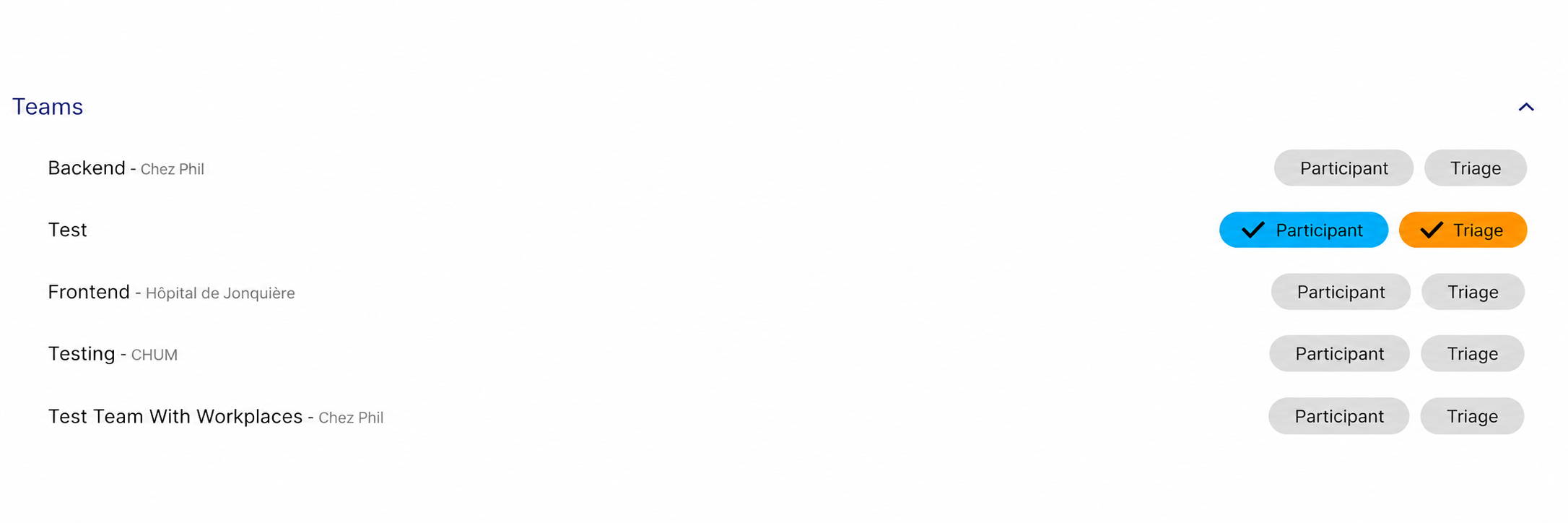
Select the team where the user will be located
Section titled “Select the team where the user will be located”- By selecting Participant so the person is part of the team as a participant in discussions and care channels
- By selecting Triage so the person has access to the team’s triage box (if relevant)