Invite a Healthcare Professional to Join Braver Network
Step by Step
Section titled “Step by Step”-
Go to the Network page.
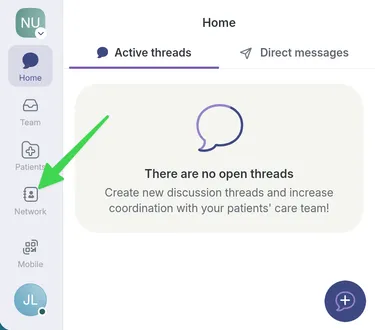
-
Search for the name of the person you want to join.
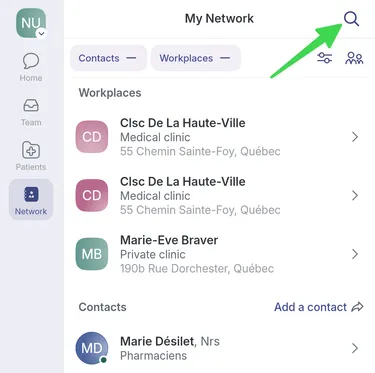
-
They are not part of the network? Click on Invite a New Member.
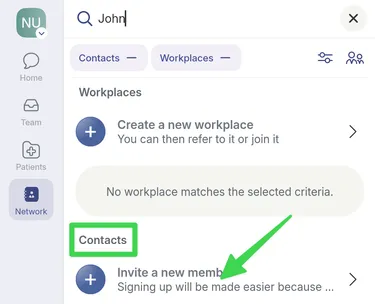
-
Fill in all invitation fields. Make sure to choose the correct profession for your invitee. When you invite a member to the network, you vouch for their identity.
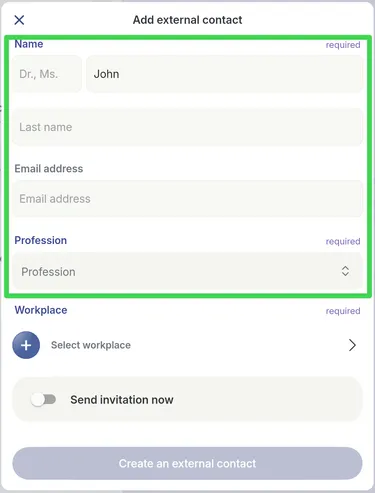
-
Add his workplace
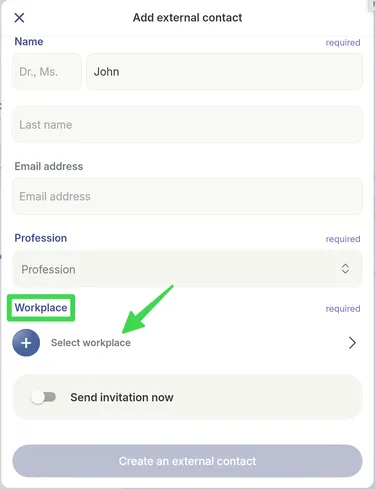
-
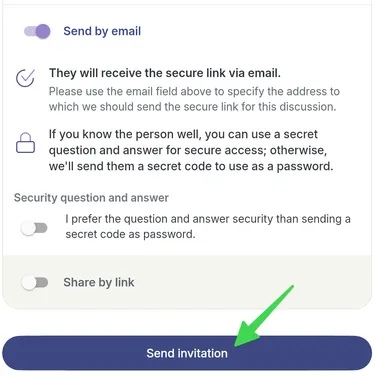
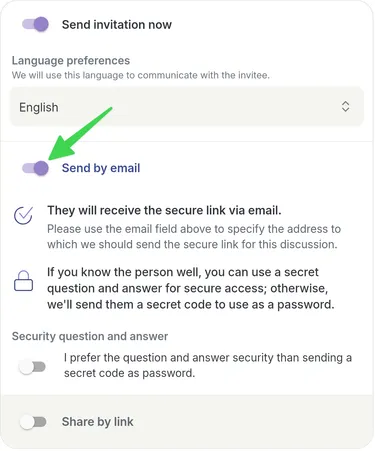
Activate the toggle Send invitation now.
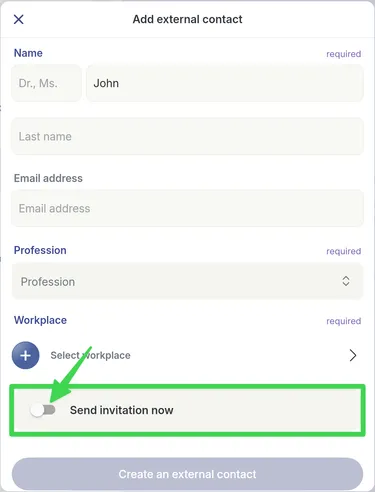
-
Choose your invitee’s language preference.
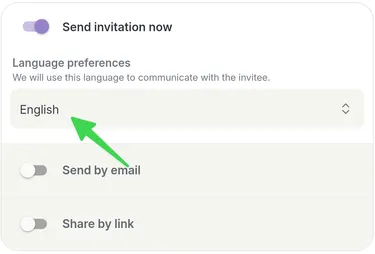
-
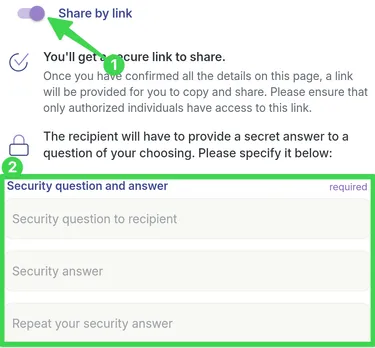
Select your preferred option between Send by email or Share a link (see step 9).
-
Enable Send by link if you want to send your invitation by SMS, for example.
-
Click on Send invitation.