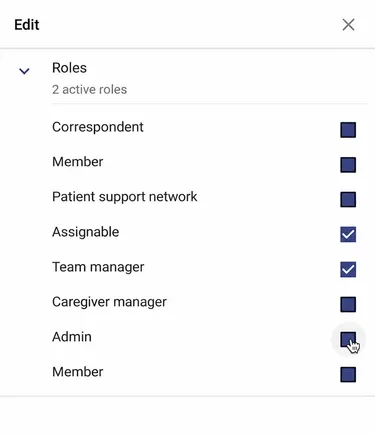
How to Grant a Role to an Existing User?
This page shows you how to grant a role to an existing user, either with a video or a step-by-step guide.
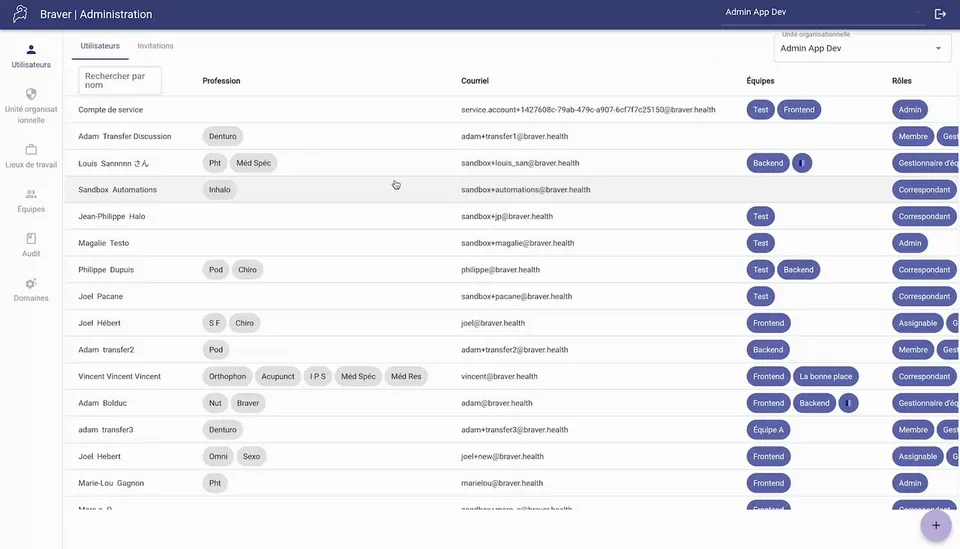
Step-by-Step
Section titled “Step-by-Step”-
Access the admin console
-
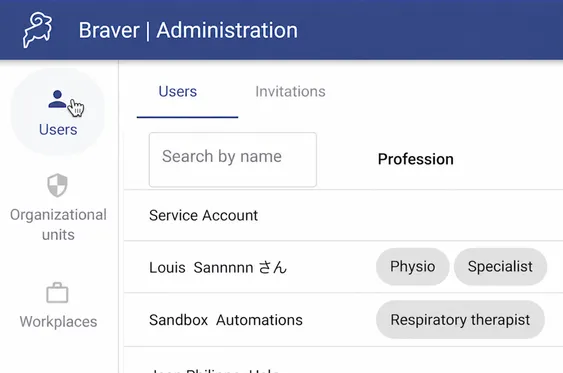
Click Users in the left menu.
-
Find the user in question and click on them
Section titled “Find the user in question and click on them”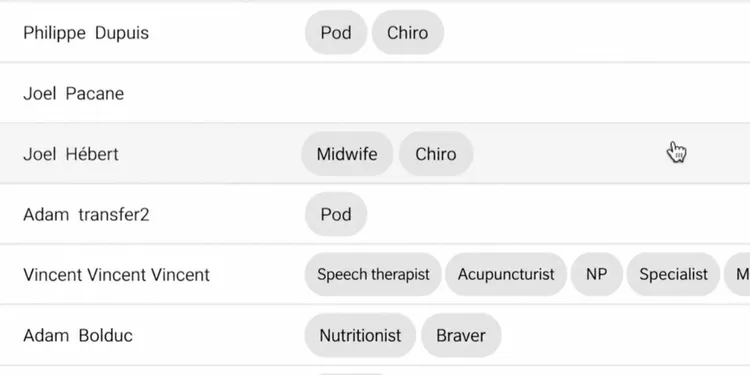
-
Modify Permissions
Section titled “Modify Permissions”- Remove or add a permission by checking the appropriate box
- Click the Save button