Join and Leave a Conference Call
Step-by-Step
Section titled “Step-by-Step”-
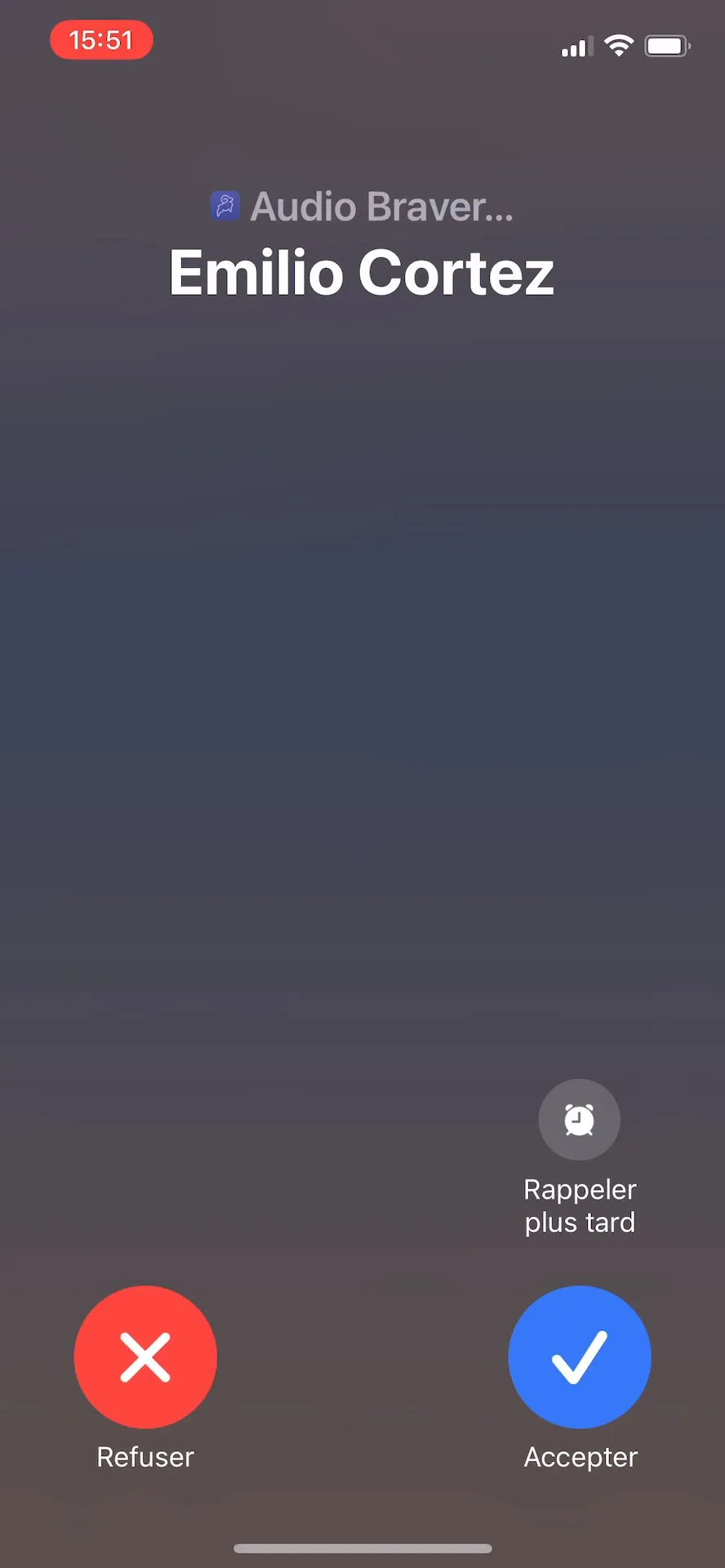
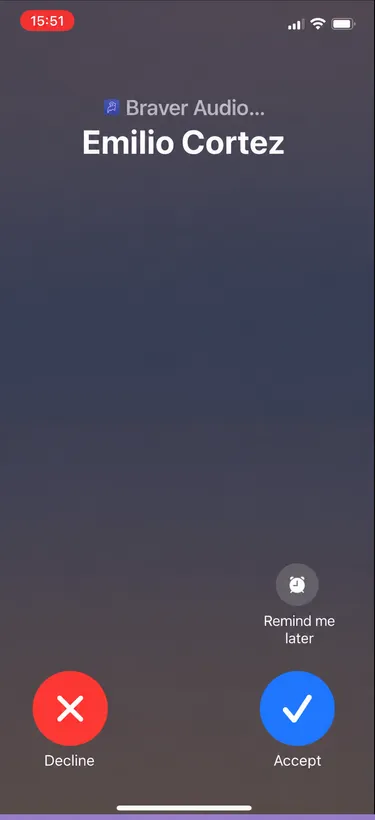
When receiving a conference call, your mobile or tablet will ring.
-
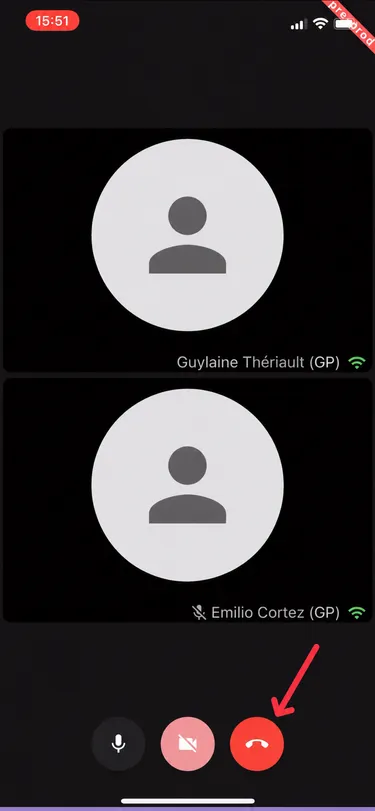
To leave the meeting, click on the red phone.

Step-by-Step
Section titled “Step-by-Step”-
When receiving a conference call, if you are working on a computer, you will receive a notification indicating a new message in the corresponding discussion, and then find a button to join the call.
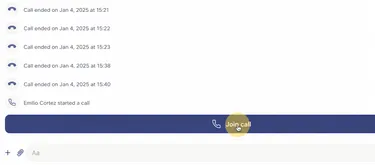
-
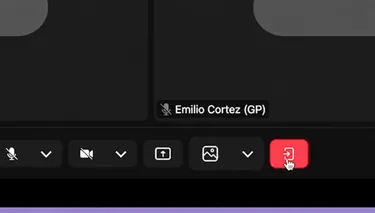
To leave the meeting, click on the red phone.