How to Create a Workplace?
This page shows you how to create a workplace, either with a video or a step-by-step guide.
Step-by-Step
Section titled “Step-by-Step”-
Click Workplaces in the left menu
Section titled “Click Workplaces in the left menu ”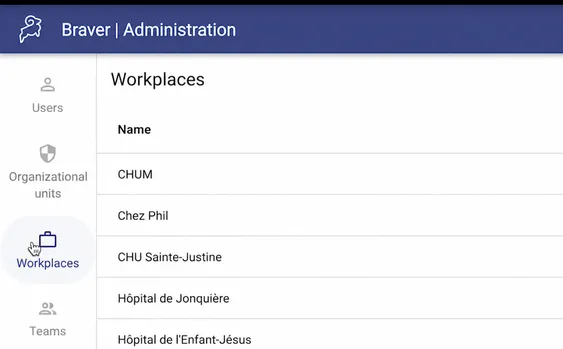
-
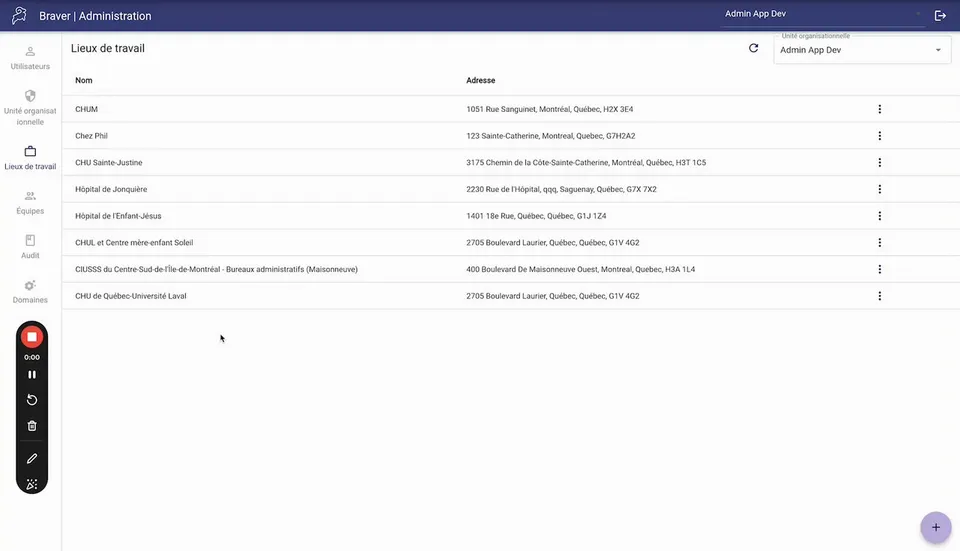
Click on the add button at the bottom right
Section titled “Click on the add button at the bottom right”
-
Click Select address, then search for the workplace address
Section titled “Click Select address, then search for the workplace address ”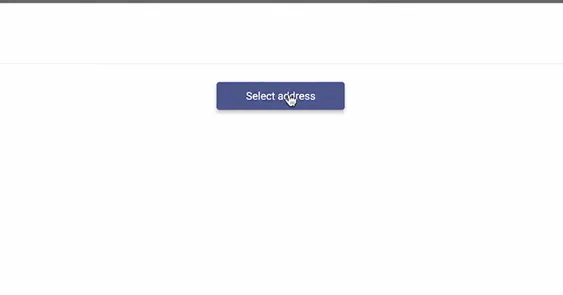
-
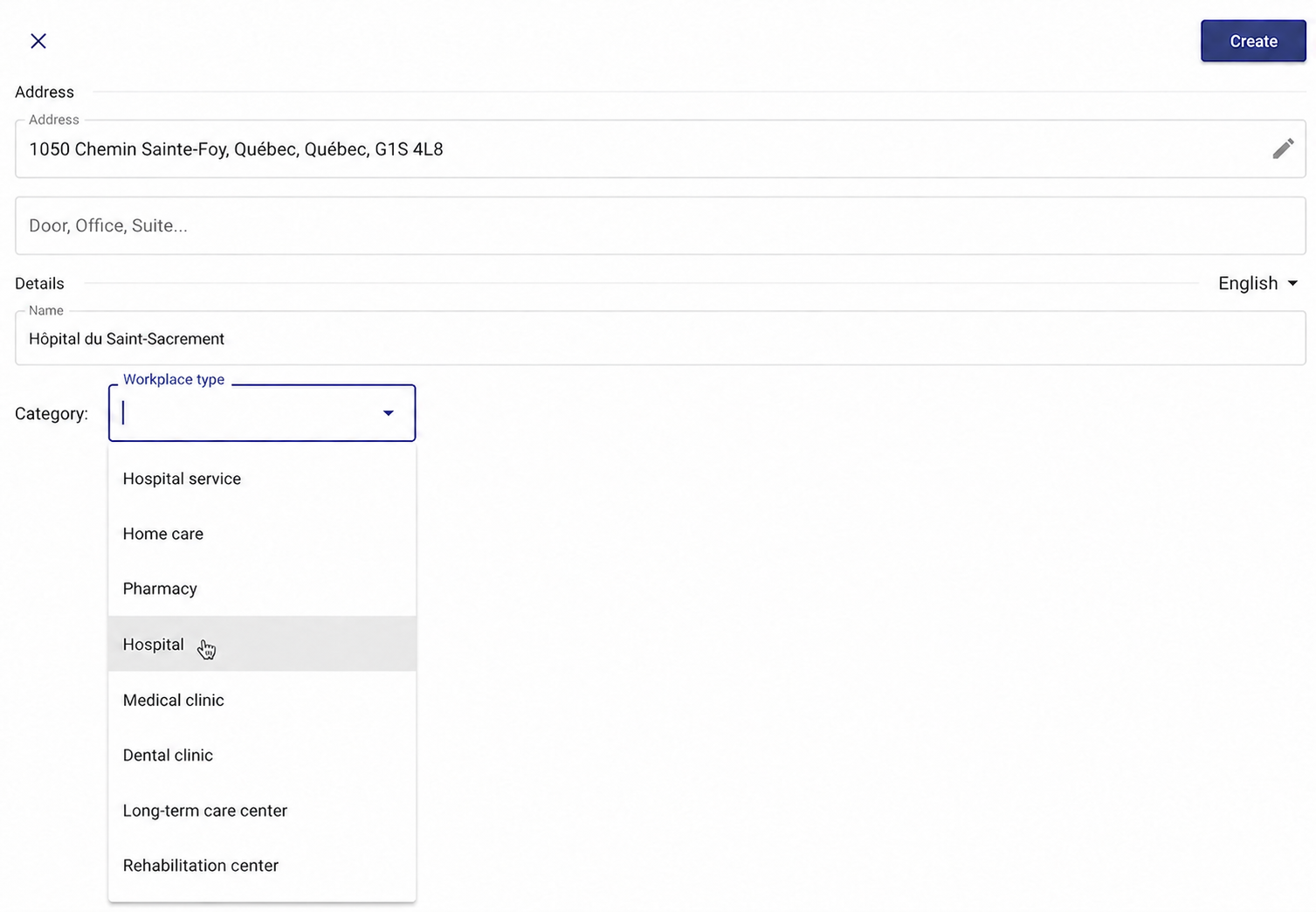
Confirm it is the correct address and select the workplace category
Section titled “Confirm it is the correct address and select the workplace category”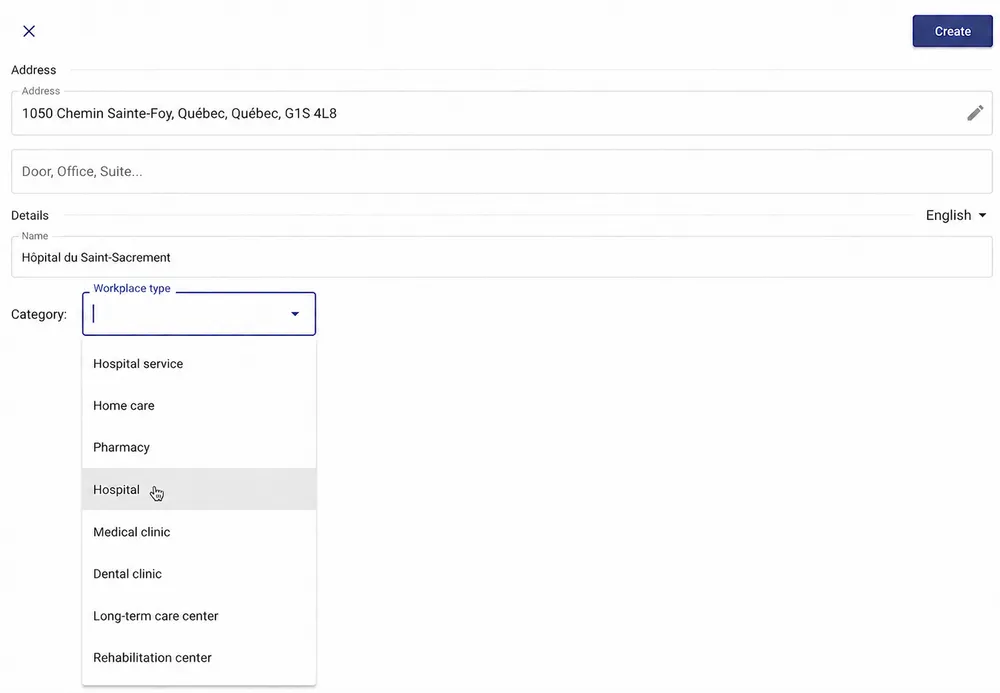
-
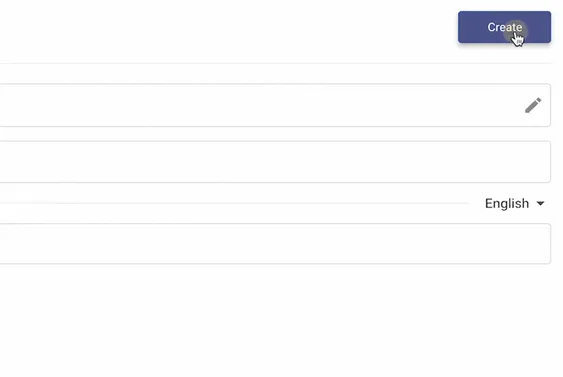
Click Create
Section titled “Click Create”