View All Participants of a Care Team
Step-by-Step
Section titled “Step-by-Step”-
Click on the care team whose participants you want to see. You may only have one care team, which is normal!
Section titled “Click on the care team whose participants you want to see. You may only have one care team, which is normal!”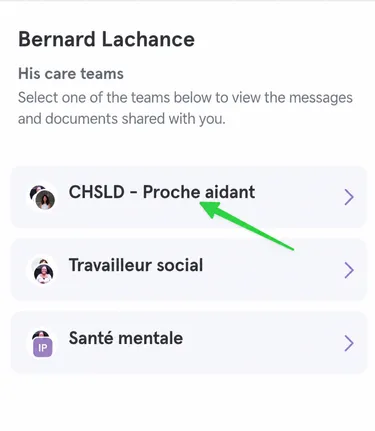
-
Then click on the participant avatars at the top right.
Section titled “Then click on the participant avatars at the top right.”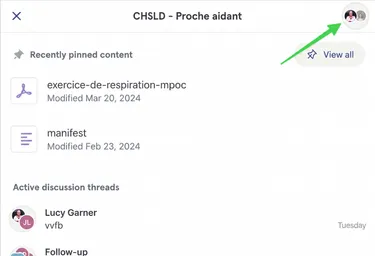
-
Here is your care team! Here we see that Jemma is part of the NP team and Lucy is part of the pharmacist team.
Section titled “Here is your care team! Here we see that Jemma is part of the NP team and Lucy is part of the pharmacist team.”