Accept or Ignore a Friend Request
Step by Step
Section titled “Step by Step”-
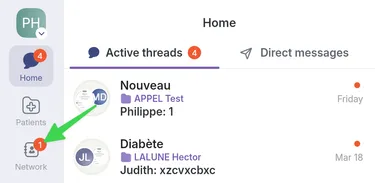
Go to the Network page.
-
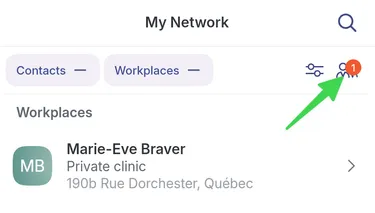
To accept a friend request, go to Network tab and select this friendship icon in top right.
-
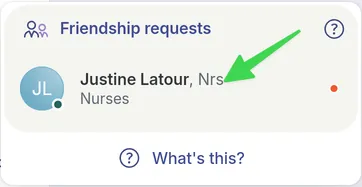
Select the received invitation.
-
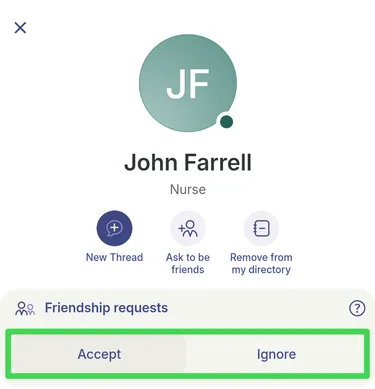
At this point, you can Accept or Ignore the friend request. If you prefer to ignore the request, the person who invited you will not receive a message about it.