Accessing Attachments in a Discussion Thread
Step-by-Step
Section titled “Step-by-Step”-
Open the discussion thread where you want to find an attachment.
Section titled “Open the discussion thread where you want to find an attachment.”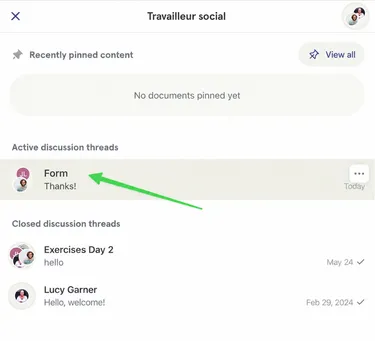
-
In the discussion thread, click on the paperclip at the top right. Here you can see there is only one attachment in the thread.
Section titled “In the discussion thread, click on the paperclip at the top right. Here you can see there is only one attachment in the thread.”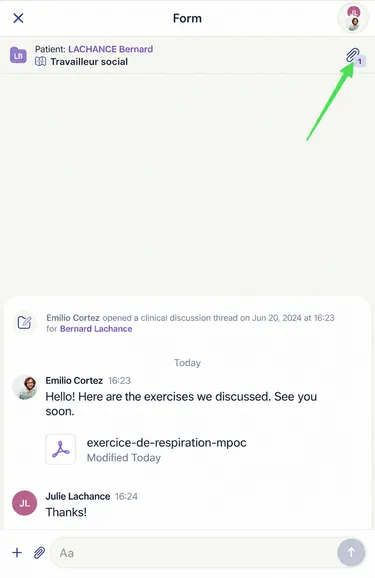
-
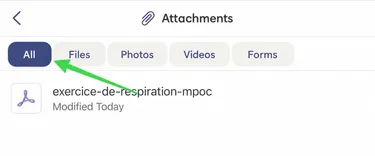
In the attachments menu, you can display all attachments or sort them by format.
Section titled “In the attachments menu, you can display all attachments or sort them by format.”Here, the All filter is activated.
To see only photos, you can click on the Photos filter.
-
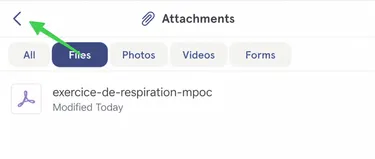
To exit the Attachments menu, click on the back arrow at the top left.
Section titled “To exit the Attachments menu, click on the back arrow at the top left.”