Leave Discussion Thread
Step by Step
Section titled “Step by Step”-
Click on the circle showing participants, at the top right of your thread.
Section titled “Click on the circle showing participants, at the top right of your thread.”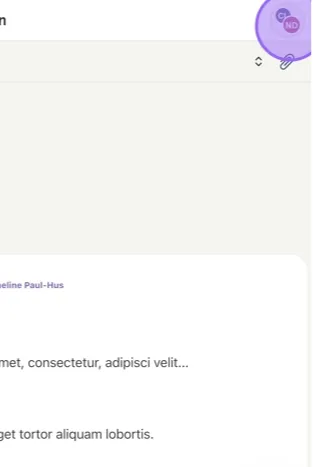
-
If you want to leave the discussion, click on the 3 small dots near your name, then click on Leave Discussion.
Section titled “If you want to leave the discussion, click on the 3 small dots near your name, then click on Leave Discussion.”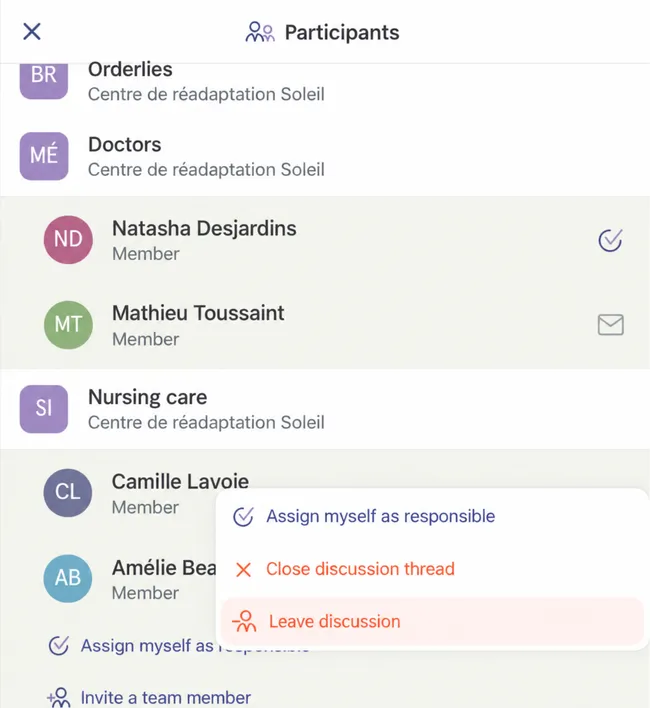
-
At this point, a record of your presence will be kept. You will appear as a participant who has archived the discussion on their side.
Section titled “At this point, a record of your presence will be kept. You will appear as a participant who has archived the discussion on their side.”