Create a New Patient File
Step by Step
Section titled “Step by Step”-
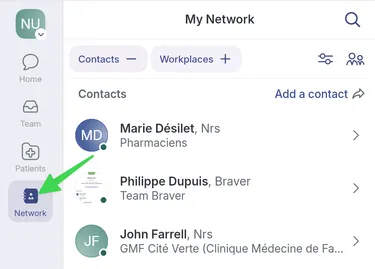
Go to the Patients page.
-
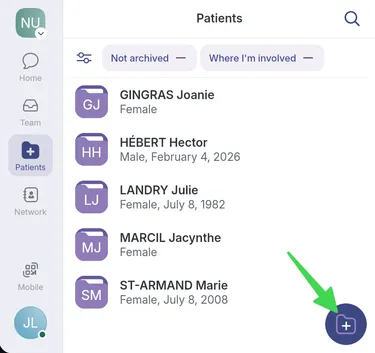
Click the Add button in the bottom-right corner.
-
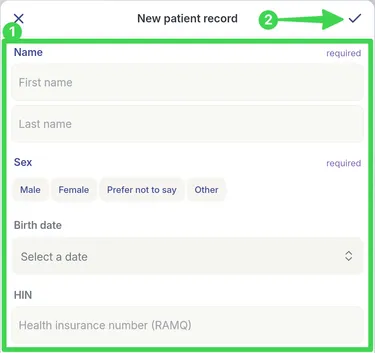
1) Fill in the required fields, then 2) click the checkmark at the top right of the page to save.
-
The patient record is now created.