Add a Contact to Your Directory
Step-by-Step Guide
Section titled “Step-by-Step Guide”-
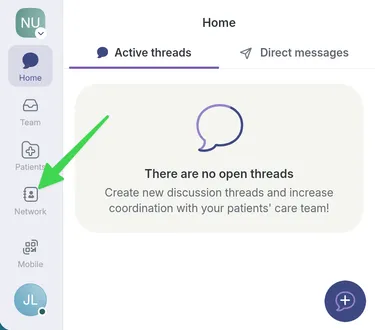
Go to the Network page.
-
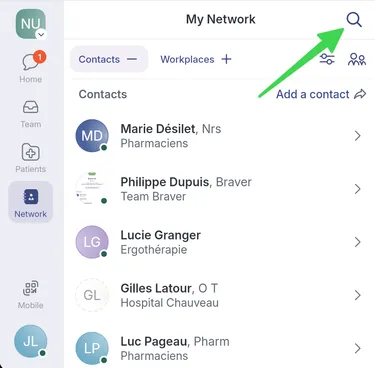
Search for the participant you want to add to your directory, by clicking on the magnifying glass.
-
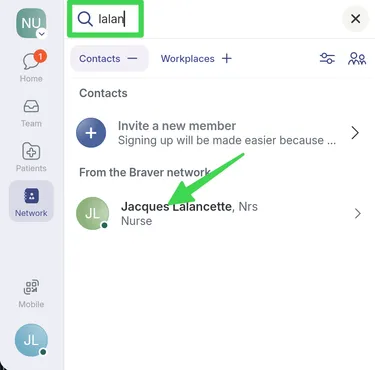
Select the participant to open their profile.
-
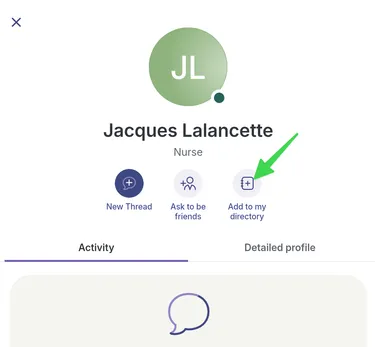
Click Add to My Directory.
-
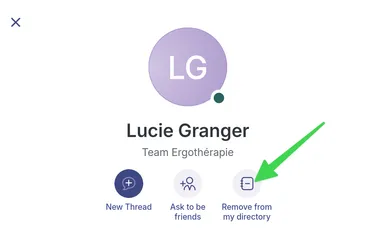
The contact is now added to my directory. I can remove them if needed.
-
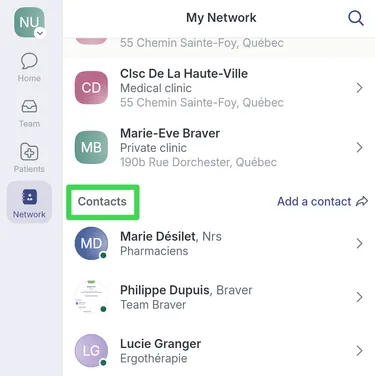
All participants in my directory are displayed on the Network page under Contacts.