Finding a Pinned Attachment in My Care Team Space
Step-by-Step
Section titled “Step-by-Step”-
Access the care team for which you want to view pinned attachments.
Section titled “Access the care team for which you want to view pinned attachments.”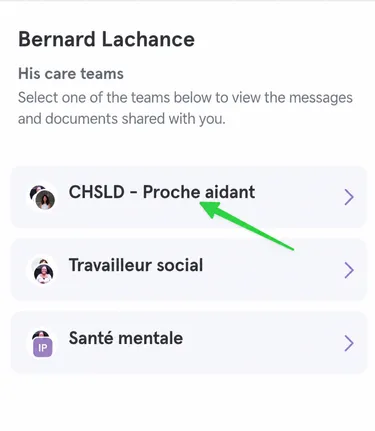
-
Click on the pin button at the top of the page.
Section titled “Click on the pin button at the top of the page.”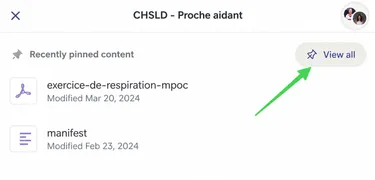
-
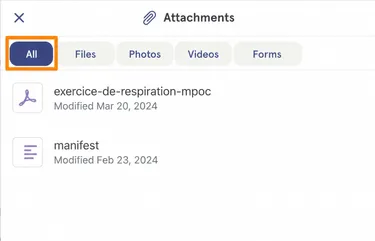
In the attachments menu, you can view all attachments or sort them by format.
Section titled “In the attachments menu, you can view all attachments or sort them by format.”Here, the All filter is activated. (see orange box)
If I were looking for a photo, I could click on the Photos filter.
-
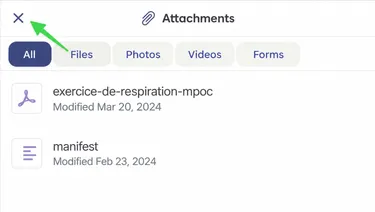
To exit the Attachments menu, click on the X at the top left.
Section titled “To exit the Attachments menu, click on the X at the top left.”