

Create a Clinical Discussion Thread in an Existing Care Channel
Step-by-Step
Section titled “Step-by-Step”-
From Patients tab, find and select the relevant patient.
Section titled “From Patients tab, find and select the relevant patient.”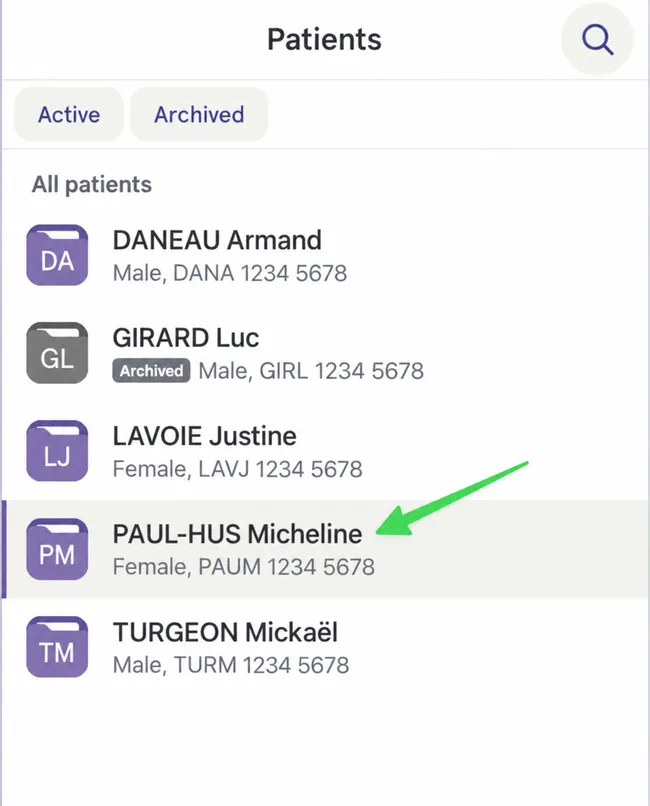
-
In patient file, in desired care channel, click discussion thread addition icon.
Section titled “In patient file, in desired care channel, click discussion thread addition icon.”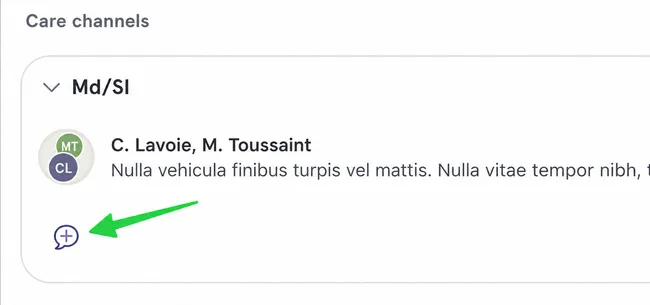
-
At this stage, you can modify participating teams, but not individual participants.
Section titled “At this stage, you can modify participating teams, but not individual participants.”Click Modify.
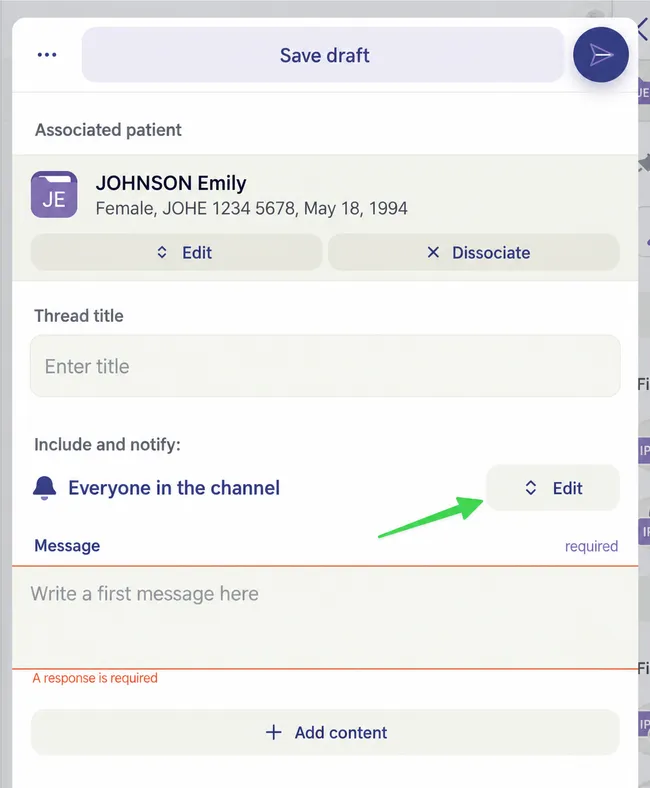
-
Select team to remove.
Section titled “Select team to remove.”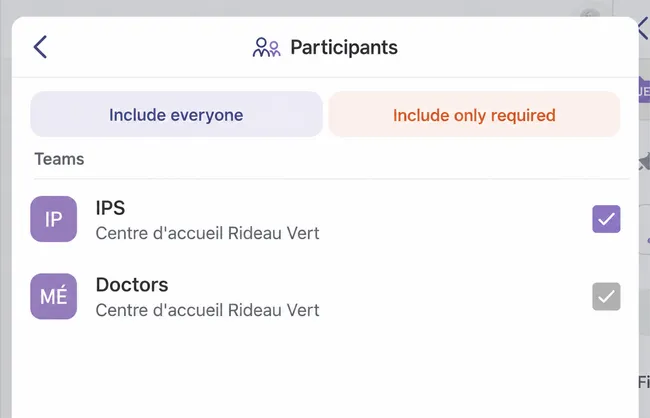
-
This is what your creation page will look like if you have modified participants.
Section titled “This is what your creation page will look like if you have modified participants.”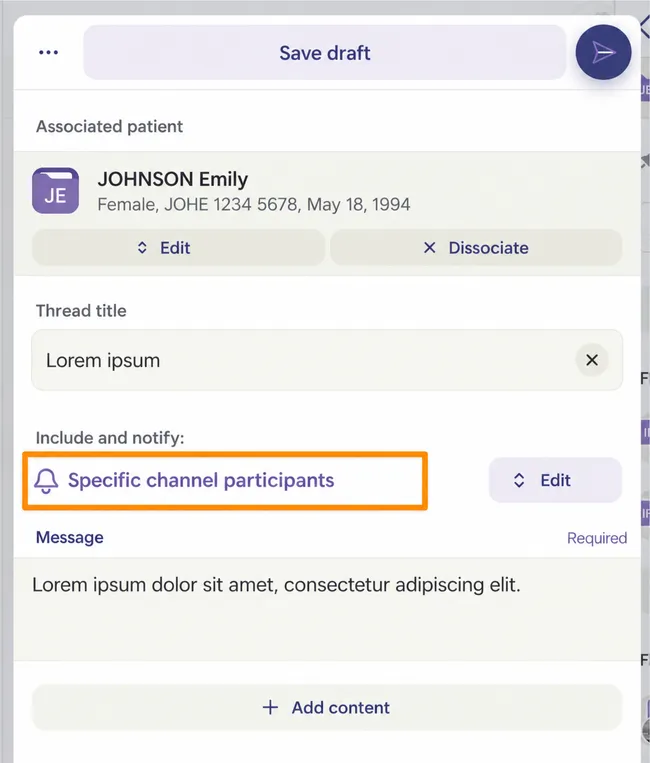
You can add message of your choice, a title, and content before sending by clicking arrow-shaped send button.