Activate Patient or Caregiver Account
Step by Step
Section titled “Step by Step”-
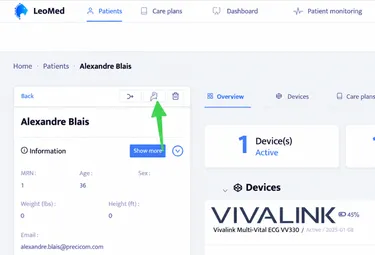
When you are in a Leomed patient file, you will see a Braver icon at the top left of the patient file.
Section titled “When you are in a Leomed patient file, you will see a Braver icon at the top left of the patient file.”Click on this icon.
-
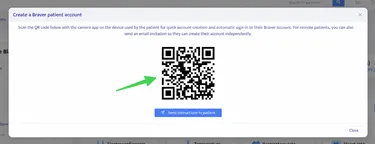
A QR code will appear in the center of the screen.
Section titled “A QR code will appear in the center of the screen.”Scan this code using an available iOS or Android device to initiate the account activation process that will be associated with this Leomed patient file.