Find Closed Discussion Thread
Step-by-Step
Section titled “Step-by-Step”-
This is the team box. Closed discussion threads can be recognized by the hook on the right side of the excerpt.
Section titled “This is the team box. Closed discussion threads can be recognized by the hook on the right side of the excerpt.”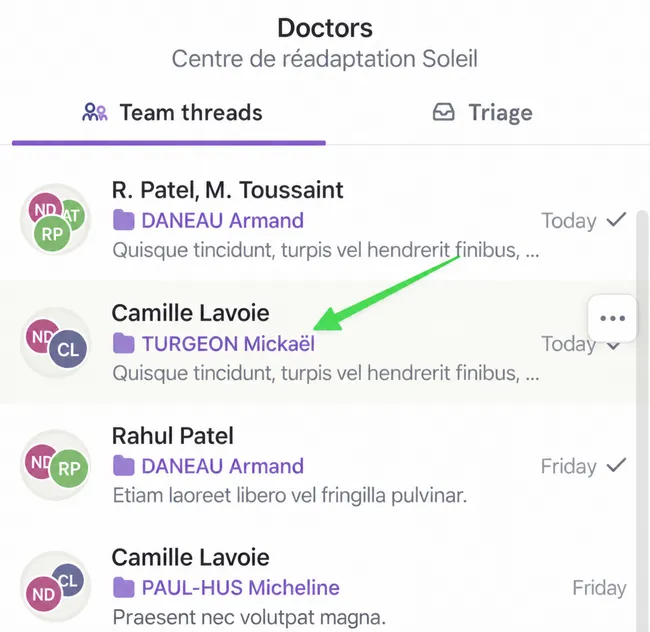
-
If you click on it, you see the mention Collaboration was closed.
Section titled “If you click on it, you see the mention Collaboration was closed.”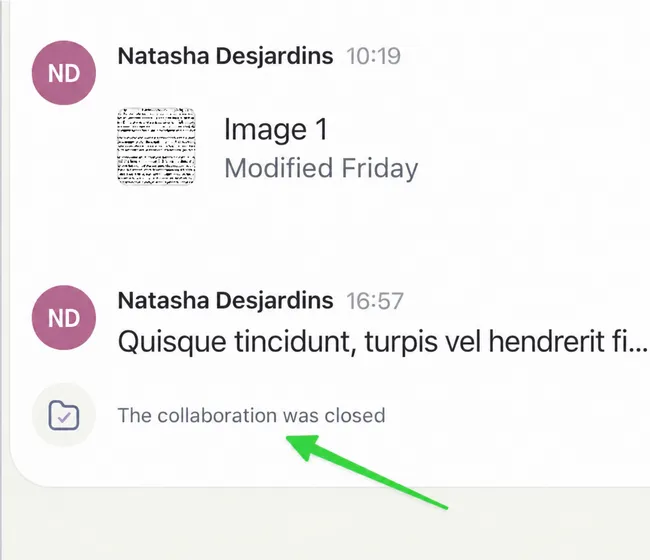
-
You can also find closed discussion threads by opening a patient file.
Section titled “You can also find closed discussion threads by opening a patient file.”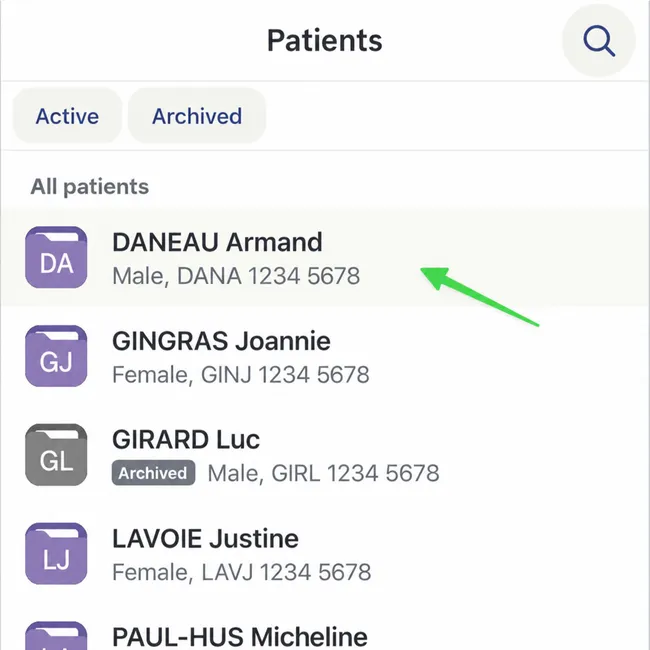
-
Here, I still have access to closed threads outside the channel.
Section titled “Here, I still have access to closed threads outside the channel.”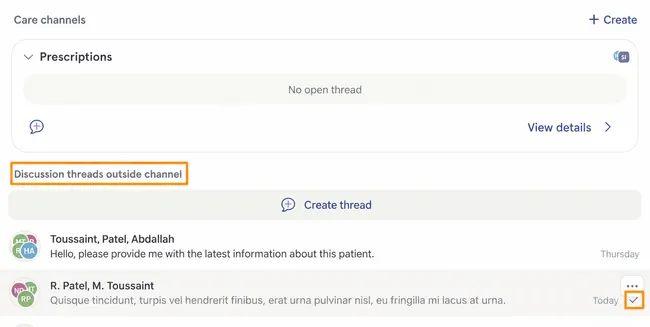
-
Always in the patient file, I can select View details in a care channel to find its closed discussion threads.
Section titled “Always in the patient file, I can select View details in a care channel to find its closed discussion threads.”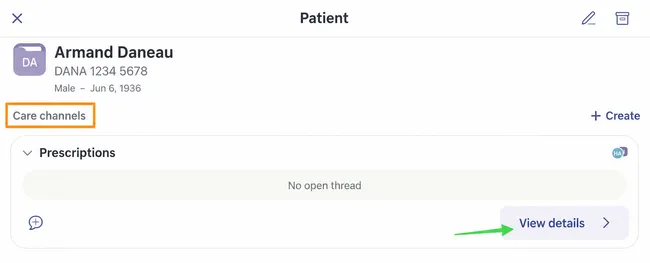
-
There is a closed thread in this care channel.
Section titled “There is a closed thread in this care channel.”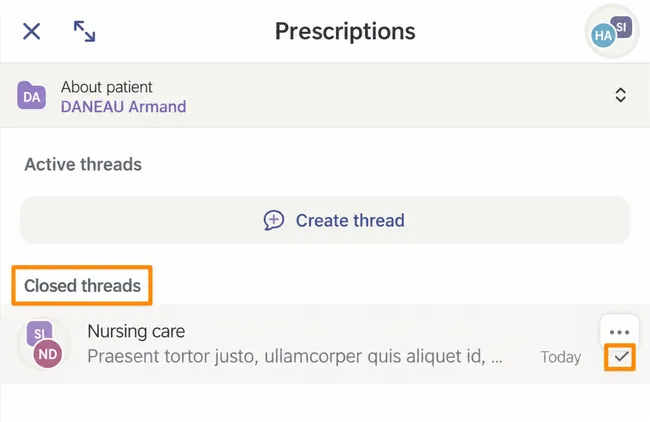
-
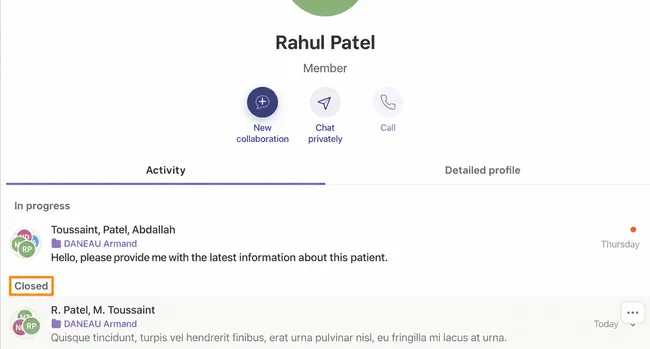
Finally, under Network tab, select one of your contacts to see active or closed discussions with them.
Section titled “Finally, under Network tab, select one of your contacts to see active or closed discussions with them.”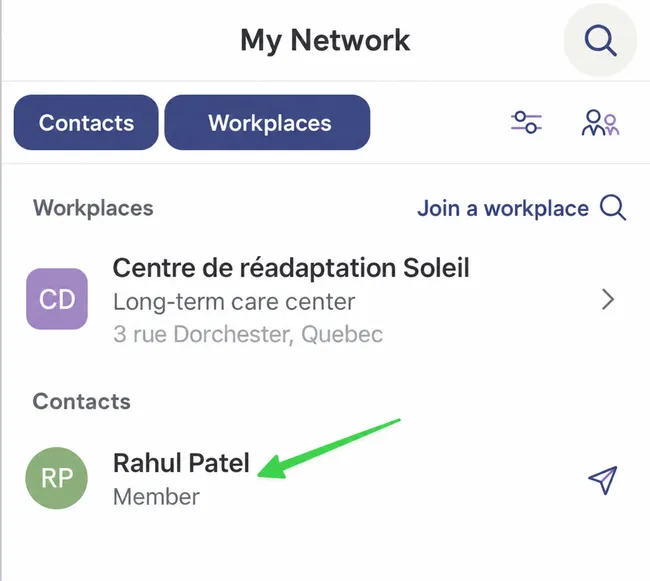
-
They are accessible here!
Section titled “They are accessible here!”