Restrict External Network Visibility
Step by Step
Section titled “Step by Step”-
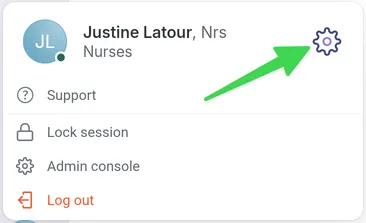
Start by navigating to your profile at the bottom of the screen.
-
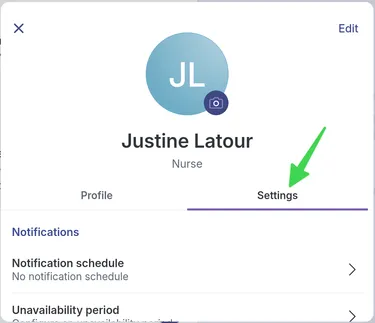
Select the Settings tab.
-
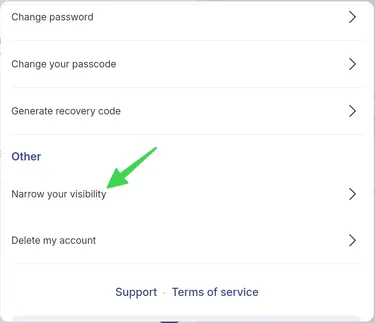
Select Narrow My Visibility.
-
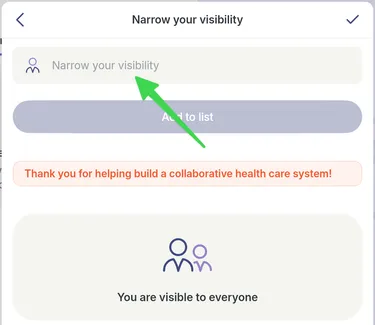
Click in the bar to display the dropdown menu.
-
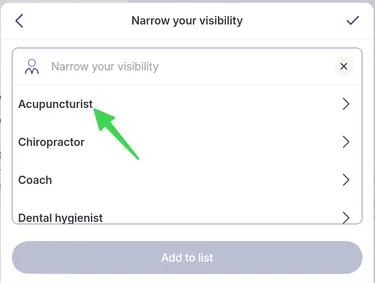
Select a profession for which you want to restrict your visibility. This profession will not be able to find you during a network search.
-
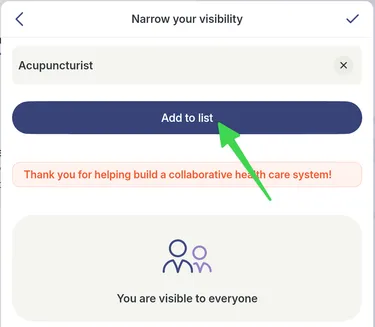
Once the profession is selected, click Add to List.
-
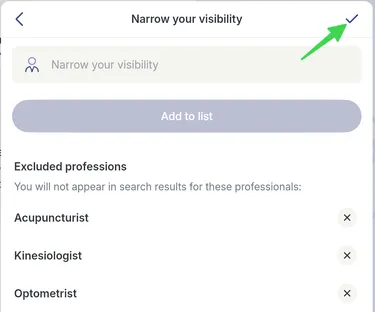
Click the checkmark in the top right to save your choices.