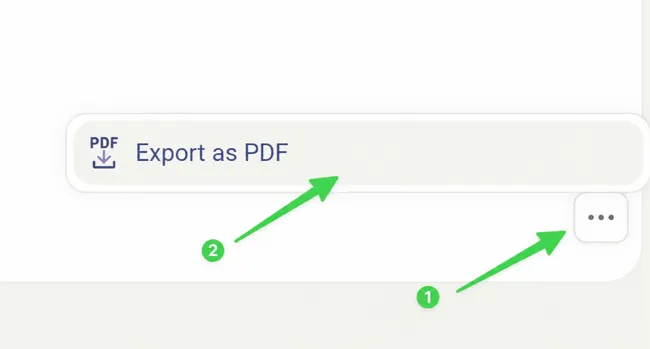
Close and Export Discussion Thread as PDF
Step by Step
Section titled “Step by Step”-
Click on the 3 small dots of the discussion thread you want to close.
Section titled “Click on the 3 small dots of the discussion thread you want to close.”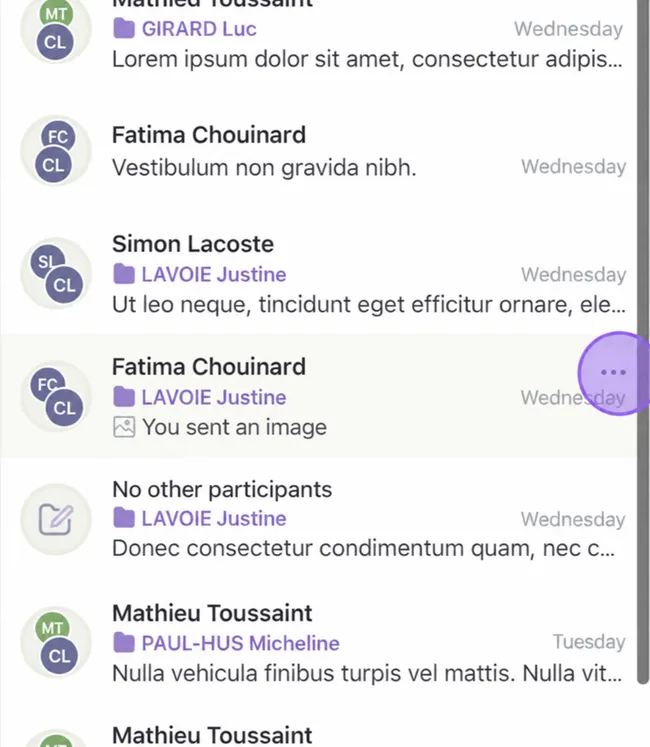
-
Select “Close for Everyone”.
Section titled “Select “Close for Everyone”.”
-
Confirm that you have finished.
Section titled “Confirm that you have finished.”
There you go, your discussion thread is closed! It becomes an immutable artifact, but still accessible.
-
To export a discussion thread as PDF, select the closed discussion.
Section titled “To export a discussion thread as PDF, select the closed discussion.”- Then click on the 3 small dots at the bottom right of the discussion.
- Select Export as PDF. A window will open for you to save it in the right place.