Activate Notifications on Mobile Device
Step by Step
Section titled “Step by Step”-
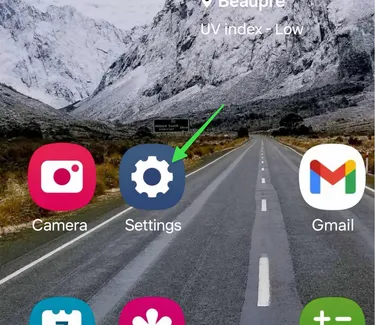
On your mobile device, go to your Settings.
-
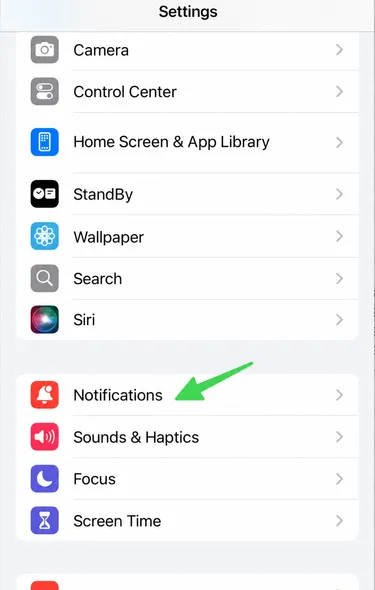
Go to the “Notifications” section
-
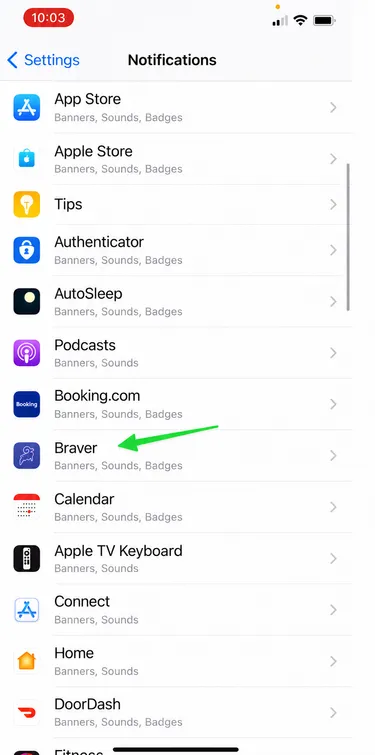
Find the Braver application.
-
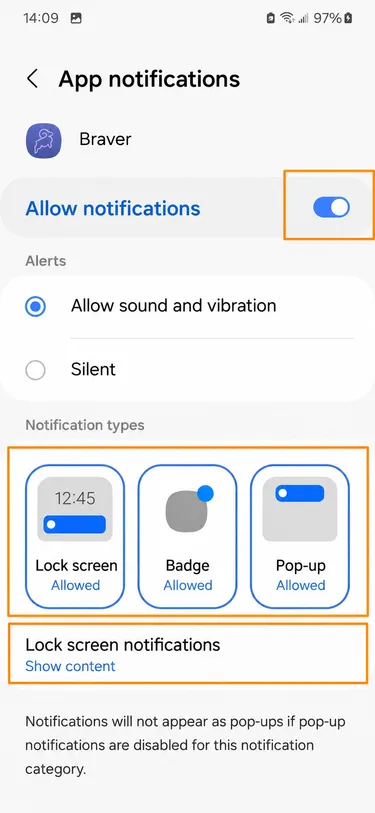
Turn on the switch to Allow Notifications.
Make sure the 3 display options are selected.
Step by Step
Section titled “Step by Step”-
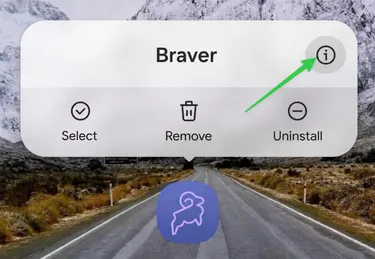
On your mobile device, press and hold the Braver application icon and tap the information icon (i).
-
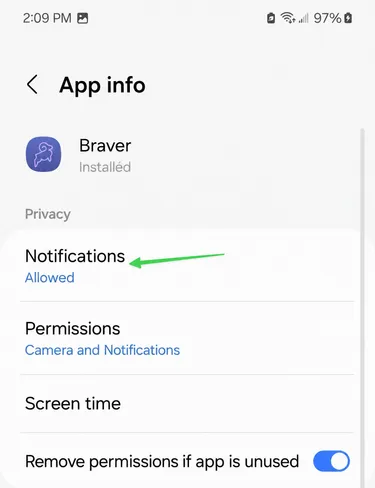
You will be in the Braver application settings page. Go to the “Notifications” section.
-
In the notifications tab, make sure notifications are allowed with these settings.
-
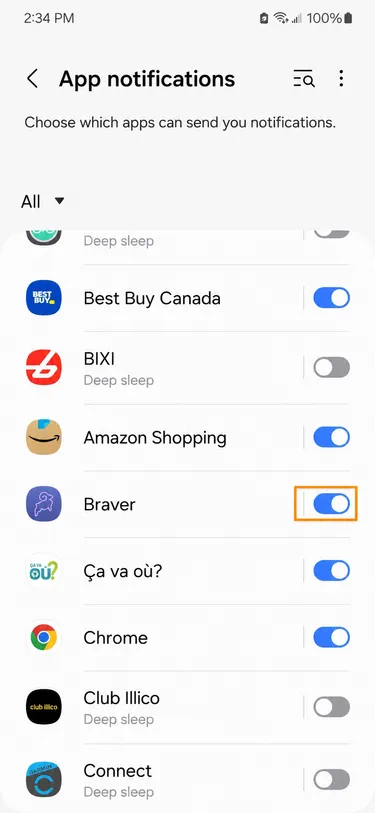
Another method to ensure notifications are active is to go to device settings.
-
In settings, click on Notifications and go to the list of Application Notifications.
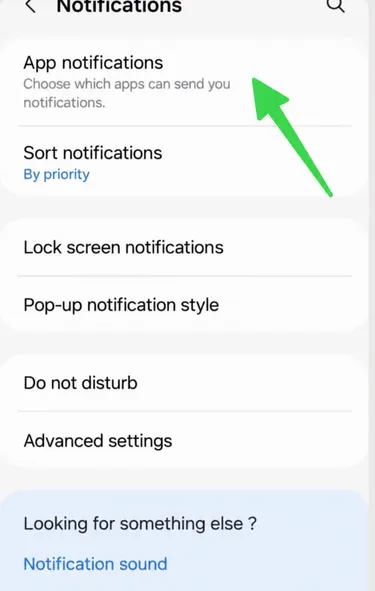
-
At this point, make sure the Braver application switch is enabled.